Audio Visualiser Plugin
Animate anything you can think of with maximum customizability.
Built from a screenshot trick, then rebuilt 20 times. The real time engine and the converter behind it were written from scratch to get here.
- One time purchase, no subscription
- Free lifetime updates
- 18 drag and drop visualizers
- 70+ Fusion nodes
- Free & Studio supported
- DaVinci Resolve 19.1 to 21.1


Watch the tutorial
Install, set up and get the most out of sh4rk's Audio Visualiser Plugin, with tips for building professional reactive visuals.
Save the time, skip the hard work
Syncing a visualizer to audio by hand means keyframing to the beat or building node graphs. The plugin reacts to your track for you.
Time to a reactive visualizer
Almost impossible, animating keyframes by hand
Fast but not customizable
Core Fusion toolkit, node based
Drag and drop on the Edit page
Skill required
Keyframe to the beat or build node graphs and expressions
Basic volume based reaction, little real control
Wire up the Fusion toolkit, made for advanced users
Drag a ready visualizer onto your timeline
Rough comparison, not a measurement. Your mileage depends on the shot and how you work.
Customization
Simple volume based animations (looks bad 95% of the time)
Infinite possibilities, your imagination & skill are the limit (literally)
Very customizable, full volume control, built in effects and visualizers
Rough comparison, not a measurement. Your mileage depends on the shot and how you work.
Features
Real-time Playback
After months of intensive development, the system is now highly optimized, allowing you to achieve real-time audio visualization in seconds.
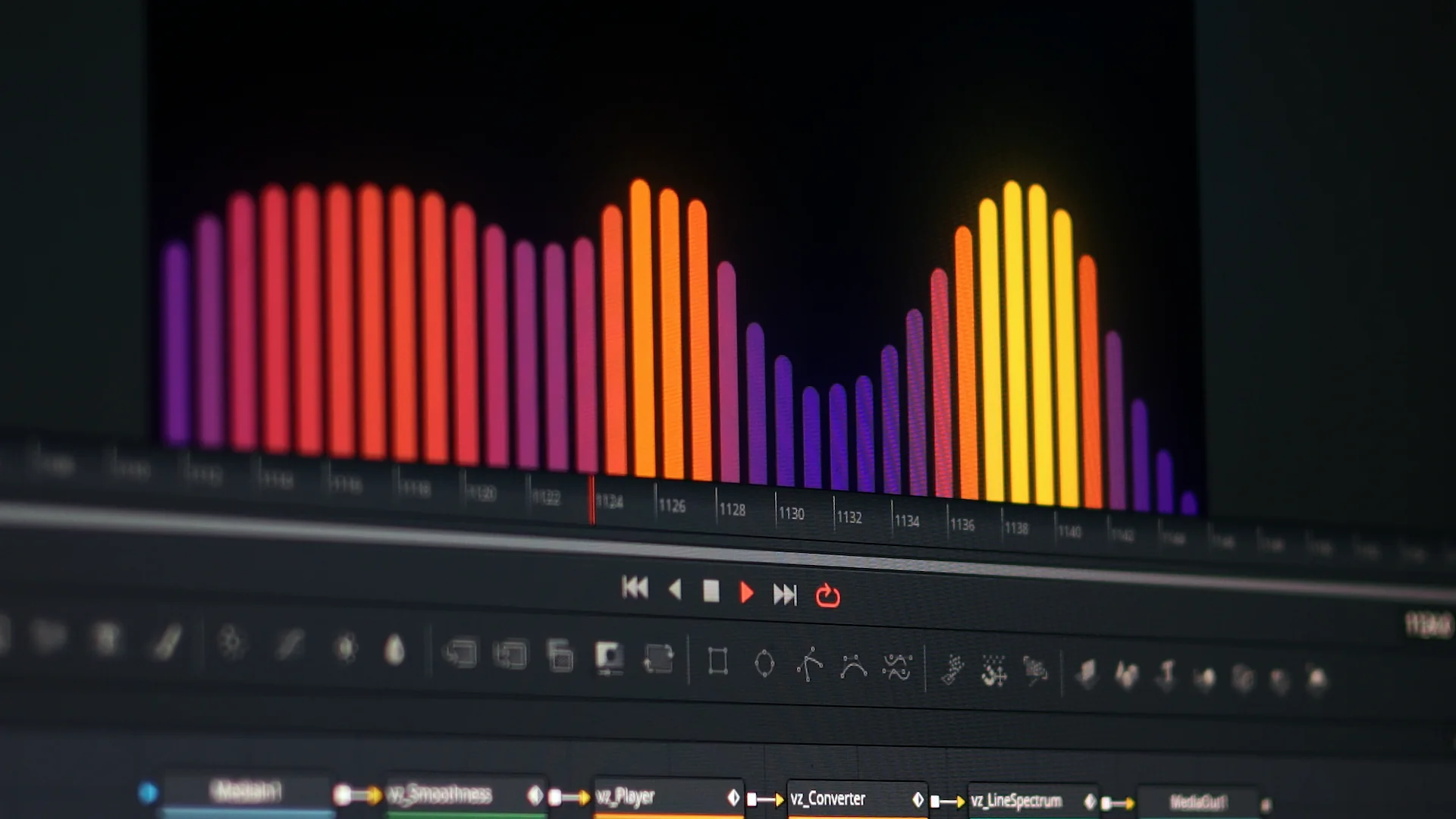
Highly Customizable
Smoothness, EQ, and per-band controls on every visualizer.
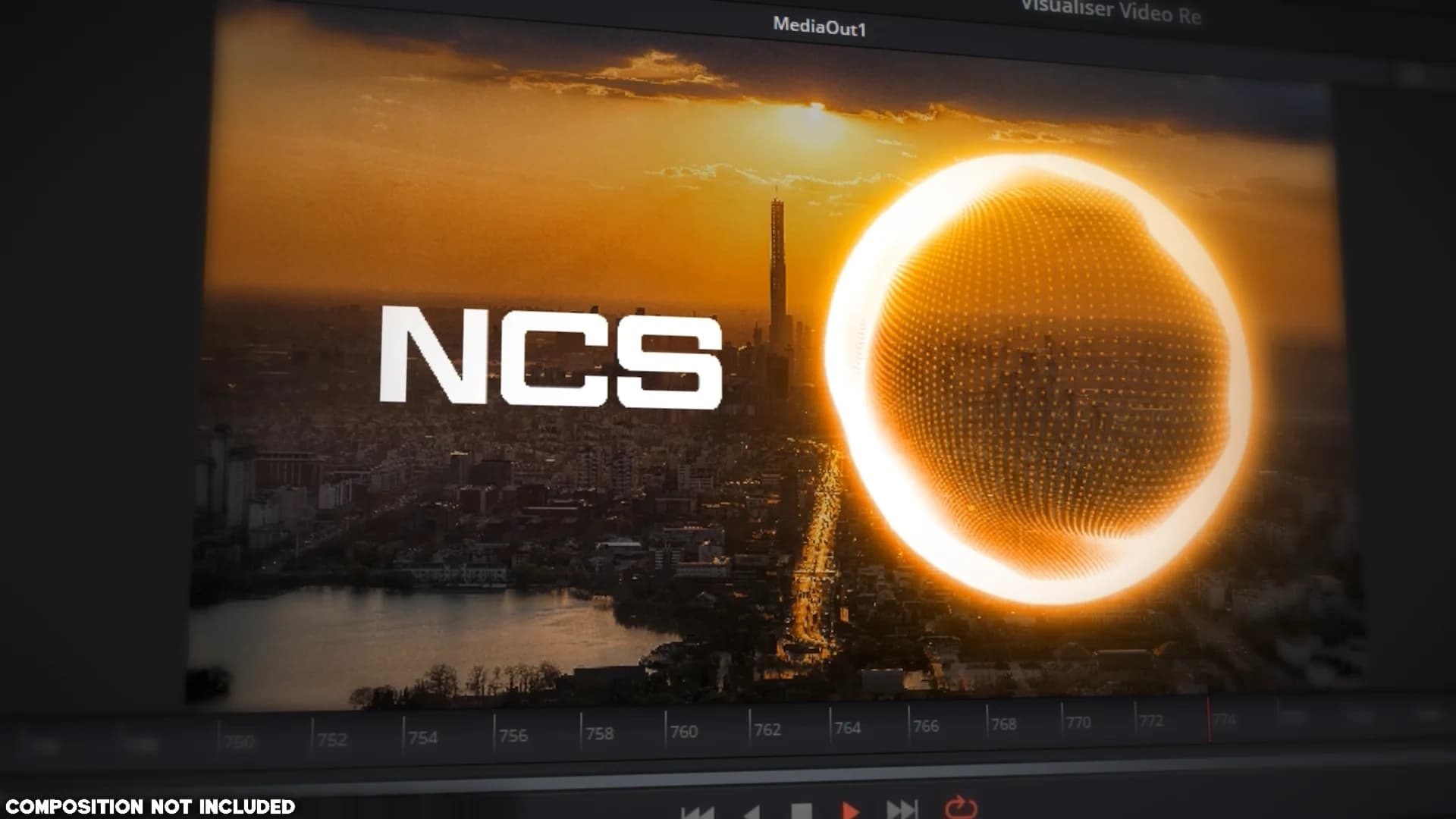
Animate Everything
Drive images, videos, text or any node parameter from your audio.

Drag & Drop Workflow
The Full Edition adds a drag-and-drop Edit Page version. Drop it, done.

Gallery

Free vs Full Edition
Compare the versions to find the right workflow for your specific production needs.
| Feature | Free Edition | Full Edition |
|---|---|---|
| Fusion Macros | 70+ | 70+ |
| Edit Page Visualizers | 0 | 18 |
| Edit Page Visualizer Effects | 0 | 7 |
| Core Workflow Nodes | Included | Included |
| Real-time Sync System | Included | Included |
| Full Creative Control | Included | Included |
| Skill Requirement | Advanced Fusion | None (Drag & Drop) |
| Exclusive Visualizers | Included | Included |
| Full Edit Page Support | Included | Included |
| Performance Optimized | Included | Included |
| Setup Time | Minutes | Seconds |
Free Edition
For Fusion experts who want the core tools and will build the reactive scene themselves. 70+ Fusion macros, and you wire up the nodes and the expressions.
Full Edition
70+ Fusion macros, 18 drag-and-drop visualizers, and 7 Edit Page effects. The pre-built templates skip the Fusion setup entirely.
Reviews
Give it a review
Every review is checked by a person before it goes live, and we can see whether the reviewer bought the product. We publish reviews from buyers and non-buyers alike, but fake or purchased reviews are removed.
How To Install & Setup
Preparation
- 1Download and extract the "sh4rk's Audio Visualiser Plugin" package.
- 2Open DaVinci Resolve.
- 3Create a new timeline and navigate to the Fusion page.
Automatic
- 1Open the extracted folder and drag the installer.lua file from the Installer folder into the nodes area.
- 2Follow the prompts to complete the automated installation.
- 3Restart DaVinci Resolve.
- 4To verify, open the Fusion page and press Shift + Space and search for 'vz_'.
Manual
- 1From the extracted folder, open the Macros folder.
- 2Copy the 'Audio Visualiser Plugin' folder.
- 3Navigate to your DaVinci Resolve .
- 4Create a new folder named 'sh4rk'.
- 5Paste the folder you copied into the 'sh4rk' folder you just created.
- 6From the extracted folder, open Macros\Fuses and copy the 'sh4rk_info_encrypted.fuse' file.
- 7Paste the copied file into your DaVinci Resolve .
- 8Restart DaVinci Resolve.
- 9Return to DaVinci Resolve, open the Fusion page, and press Shift + Space to search for 'vz_'.
How To Setup (Fusion Page)
- 1.Convert your audio using the Visualiser Converter.
- 2.In DaVinci Resolve, add your audio to the timeline and create a Fusion Composition.
- 3.Inside Fusion, import your converted image.
- 4.Connect the
vz_Playerandvz_Converter(Required) nodes to a visualizer.
The Node Order

All nodes use custom prefixes. Search with Shift + Space.
Every node, the full signal chain, expressions and troubleshooting are covered in the documentation.
Read the full documentationHow To Setup (Edit Page - Full Edition)
The Full Edition offers a significantly faster workflow by allowing you to work directly on the Edit Page.
Drag and drop your visualizer preset onto your timeline, on a track above your audio.
Extend the visualizer clip to match the duration of the audio you wish to visualize.
Select the clip, open the Inspector, drag your spectrogram into the Converted Image field.
Questions or need help? Join our Discord.
You can also read the full documentation here.
Frequently Asked Questions
Still Have Questions or Need Help?
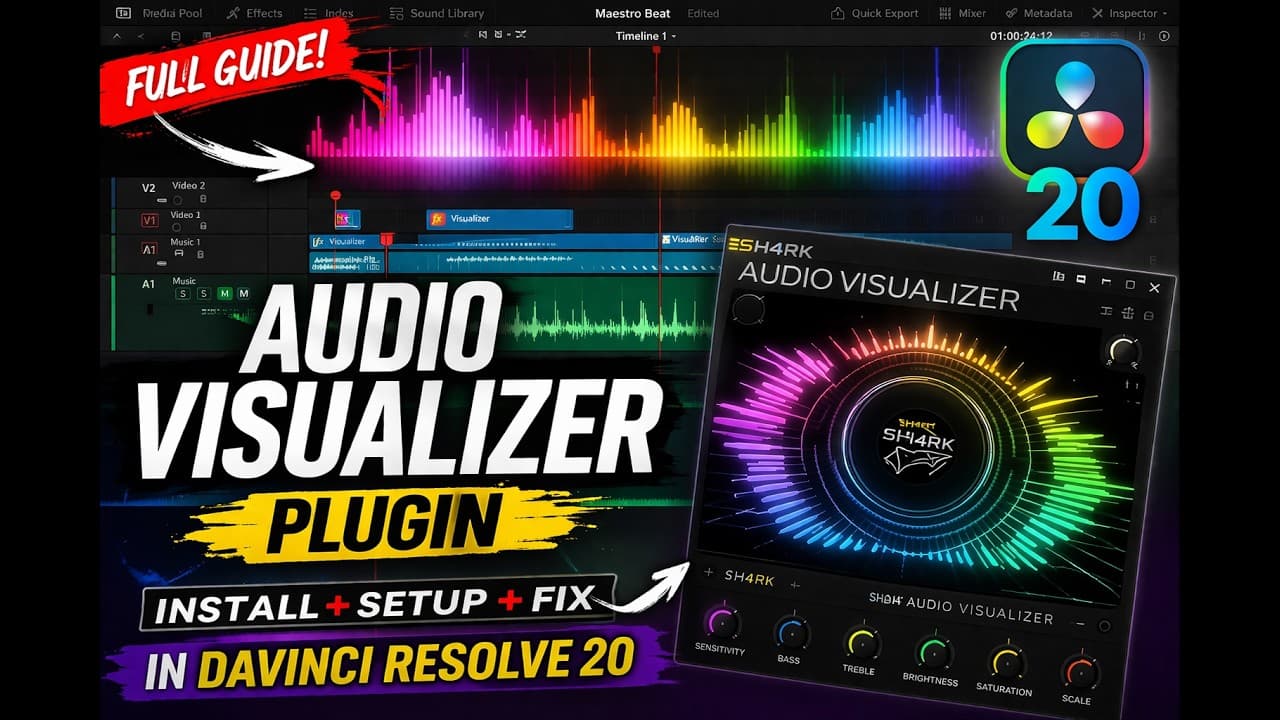
Check out this in-depth walkthrough created by one of our users for another perspective on the setup process and creative possibilities.
More from sh4rk
Enjoying the visualizers? These take your edits further.

sh4rk's Editing Pack 2
$32.90217 macros, 1,000 overlays, 433 sound effects and 1,592 textures. The free version is a slice of it.
View product
QuickCam
$26.90Cinematic 3D camera moves without keyframes. Set where the shot starts and ends, Resolve fills in the rest.
View product
Blurify
$9.90Motion blur for final renders. Samples between frames with a fast blend mode and an optical flow mode. Heavy on purpose.
View productAnimate Everything with Audio
Real-time audio reactive visualizers, built for DaVinci Resolve.