sh4rk's 3D Text Animator, keyframeless animated 3D text for DaVinci Resolve
Type. Animate. Done.
Keyframeless 3D Text Animations in a couple of clicks.
- One time purchase, no subscription
- Free lifetime updates
- Free & Studio supported
- Keyframeless per character animation
- 16 lighting presets in Pro
- DaVinci Resolve 19.1 to 21.1


Watch the video
A tutorial on making viral looking animated 3D text in DaVinci Resolve, start to finish, and you can follow along with the free version.
You have to do everything from scratch
No animating every character by hand
Drag and drop
Skill required
You do everything yourself from scratch
You only do the lighting and effects
You only have to animate your text (may need some spline work within the plugin)

Set a start and end state and every character animates on by itself, spaced across your clip automatically. Position, rotation, size, and tracking, no keyframes.
Position
Rotation
Size
Tracking

Pro ships as an Edit page generator. Drop it, type your text, done. No Fusion needed.

Not sure where to start? Drop in one of 20 ready-made animation presets and tweak it to taste. They double as a masterclass, open one up and see exactly how a good animation is built.
+10 more presets

Stagger spreads the animation across your characters instead of moving them all at once, and randomness keeps it from feeling mechanical.
Stagger
Without Stagger
With Stagger
Randomness

Shape the exact feel of every move with independent easing curves, from a clean linear ramp to a smooth S curve or a snappy bounce.
Linear
S Curve
Bounce

Real geometry. Set the font, extrusion depth, bevels, and surface material, just like a native 3D text node. Drag the slider to watch it build up.

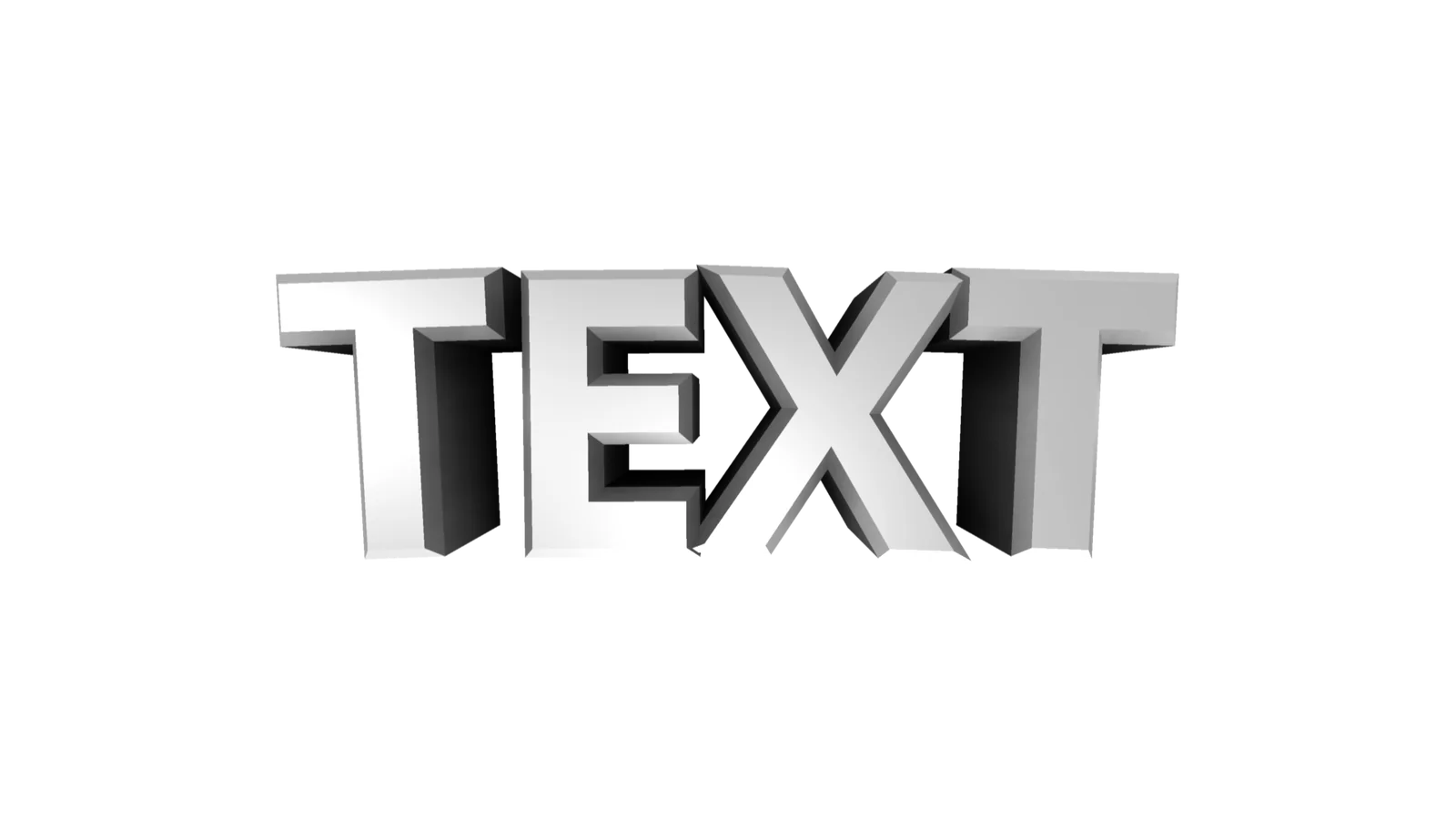


One click lights your text like a studio shot. 16 presets, or take manual control of all eight lights.

Blood Moon

Emerald

Royal

Skape's Preset
+12 more presets

A dual ambient occlusion pass adds soft, contact-accurate shadows in the crevices of every letter, the detail that sells a real render. Drag the slider to compare.


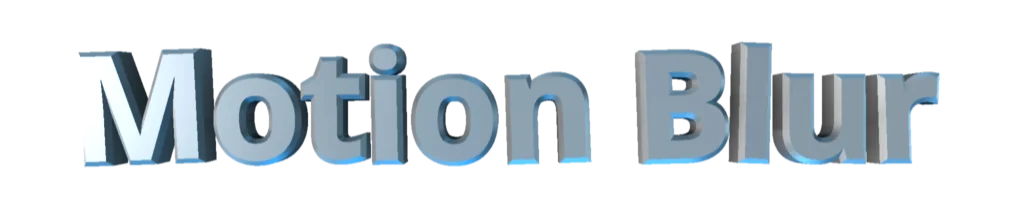
Real motion blur so fast character moves feel natural instead of stuttery, baked right into the render. Drag the slider to compare.
Slow it down to see it!
A note on performance
This is a heavy plugin. Please turn on Render Cache to preview it smoothly. On a very low-end system it can be painful to work with. It is heavily optimized, but there is only so much that is possible with real-time 3D inside DaVinci Resolve.
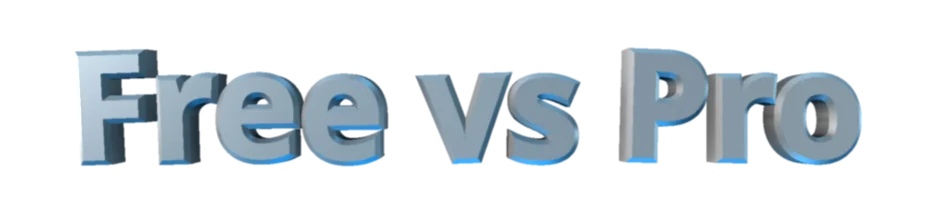
The free version animates in your node tree. Pro bakes in the entire look and renders it for you.
| Feature | Free | Pro |
|---|---|---|
| Keyframeless per-character animation | Included | Included |
| Works on the free version of Resolve | Included | Included |
| Fusion node (replaces Text3D) | Included | Included |
| Stagger, duration & randomness | Included | Included |
| Spline easing (Position, Rotation, Size, Tracking) | Included | Included |
| Per-axis Start / End transforms | Included | Included |
| Extrude, bevel & material controls | Included | Included |
| Start / End / Final preview | Included | Included |
| 20 animation presets | Not included | Included |
| Edit Page generator (drag on timeline) | Not included | Included |
| Finished, fully rendered output | Not included | Included |
| 16 lighting presets | Not included | Included |
| 8 individual 3D lights | Not included | Included |
| Ambient occlusion soft shadows | Not included | Included |
| Motion blur | Not included | Included |
| Camera controls | Not included | Included |
| Anti-aliasing & 3x supersampling | Not included | Included |
| Custom / auto resolution | Not included | Included |

"Awesome plugin for any type of editor, because everyone needs cool texts in their videos, and this plugin is real time saver when it comes to it"
"Really great for doing quick 3d animation that looks great. Saves lot of time since doing 3d workflow usually takes so much time. Only complain I have..."
Give it a review
Every review is checked by a person before it goes live, and we can see whether the reviewer bought the product. We publish reviews from buyers and non-buyers alike, but fake or purchased reviews are removed.


Preparation
- 1Download and extract the 'sh4rk's 3D Text Animator' package.
- 2Open DaVinci Resolve.
- 3Create a new timeline and open the Fusion page, with a composition active.
Automatic
- 1Drag and drop the Installer.lua file from the package into the Fusion nodes area and click 'OK'.
- 2Restart DaVinci Resolve.
- 3To verify installation, open the Fusion page and search for '3D Text Animator' using Shift + Space.
- 4On the Pro version, also go to the Edit Page and look under Titles (Or Generators) -> sh4rk -> 3D Text Animator for the Edit Page version.
Manual
- 1Open the 'Content' folder in your extracted package.
- 2Copy the
sh4rk's 3D Text Animator.settingfile and paste it into your Resolve . - 3Copy the
Time 3D.fusefile and paste it into your Resolve .
Questions or need help? Join our Discord.
You can also read the full documentation here.
More from sh4rk
Enjoying 3D Text Animator? These take your edits further.

Text Styles
$22.90Hand-drawn and magazine cutout letters, 1,868 variations across 9 styles. There is a free version.
View product
QuickCam
$26.90Cinematic 3D camera moves without keyframes. Set where the shot starts and ends, Resolve fills in the rest.
View product
sh4rk's Editing Pack 2
$32.90217 macros, 1,000 overlays, 433 sound effects and 1,592 textures. The free version is a slice of it.
View product
Good looking animated 3D titles in Resolve, dragged straight onto the Edit page.