QuickCam
Keyframeless 3D camera animation in DaVinci Resolve. Set where the shot starts and ends, QuickCam fills in the rest.
- One time purchase, no subscription
- Free lifetime updates
- Free & Studio supported
- Fusion & Edit pages
- Any aspect ratio, 9:16 ready
- DaVinci Resolve 19.1 to 21.1
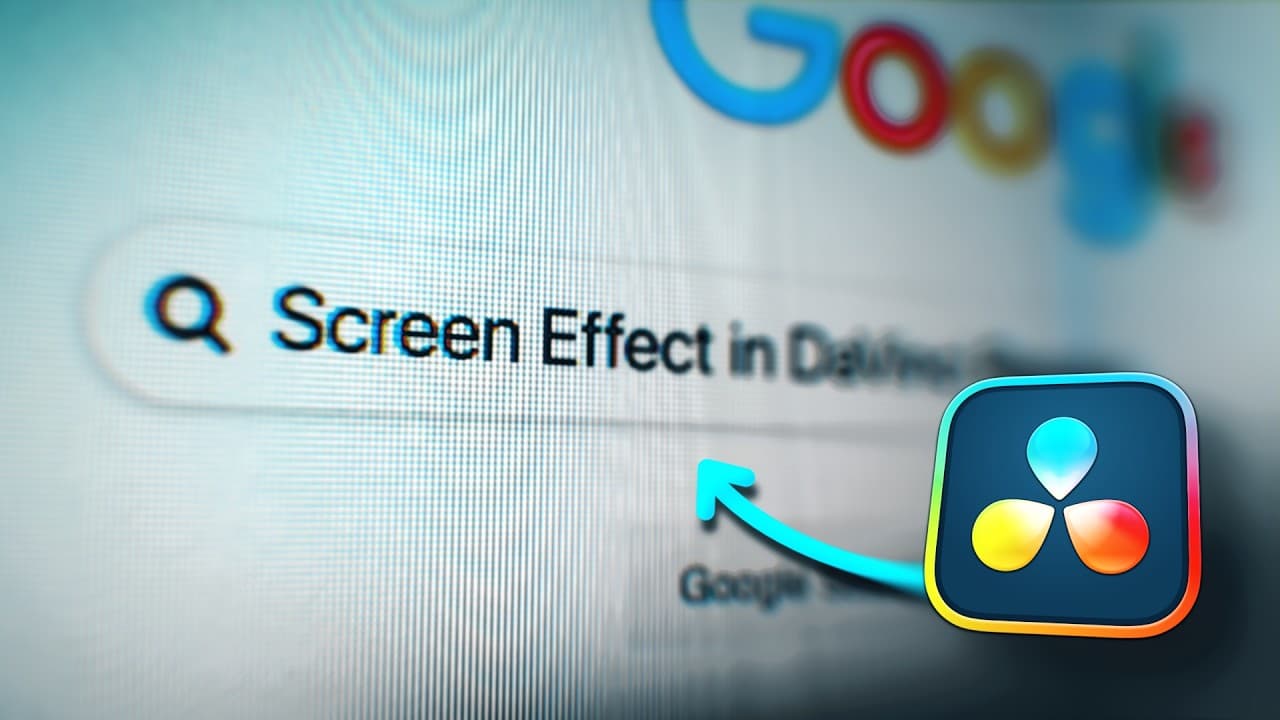

Watch the video
Watch the setup and a full camera move, start to finish (tutorial included).
Save the time, skip the hard work
A polished 3D camera move by hand means keyframing every transform and hand-tuning the easing. QuickCam builds it from a start and end state.
Time per camera move
Keyframe every move by hand
Animation, done. You do the effects
Drag a preset onto your clip
Skill required
3D setup, keyframing, adding effects, fine tuning, spline work for all these nodes, etc.
Set a start and end position, it animates for you
Drop an Edit Page preset on your clip
Rough comparison, not a measurement. Your mileage depends on the shot and how you work.
Zero Keyframes
QuickCam allows you to create professional animations within seconds by simply setting a Start and End position. It automatically adjusts based on clip length, eliminating the need for manual keyframes entirely.


Super Optimized
Core camera moves play back in real time. Post effects only compute while they are enabled, so idle features cost nothing.
The advanced Depth of Field runs much faster than traditional 3D techniques, but it is still not real time. Running every cinematic post-effect at once can cost real-time playback on slower hardware.
Smart Spline Editor
Fine-tune the feel of your movement without ever leaving the Edit Page. Adjust interpolation and easing directly, without having to open extra panels or go into the Fusion page.
Linear Spline
Custom Spline
3D Rotation
Add cinematic 3D rotation to your footage for high-impact visual depth. Simply set your start and end values to see it animate in 3D space in seconds.
3D Perspective
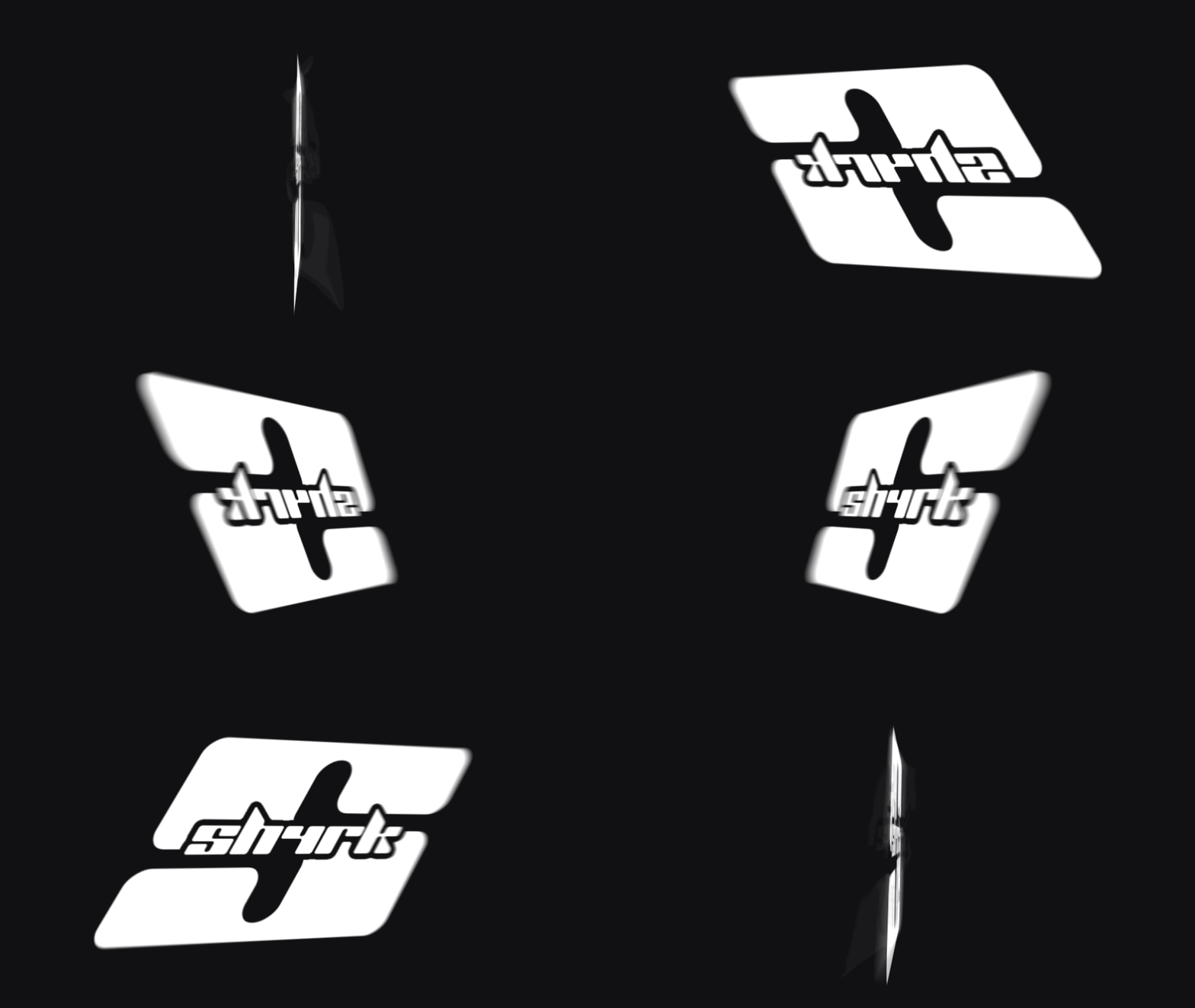
3D Logo Animations
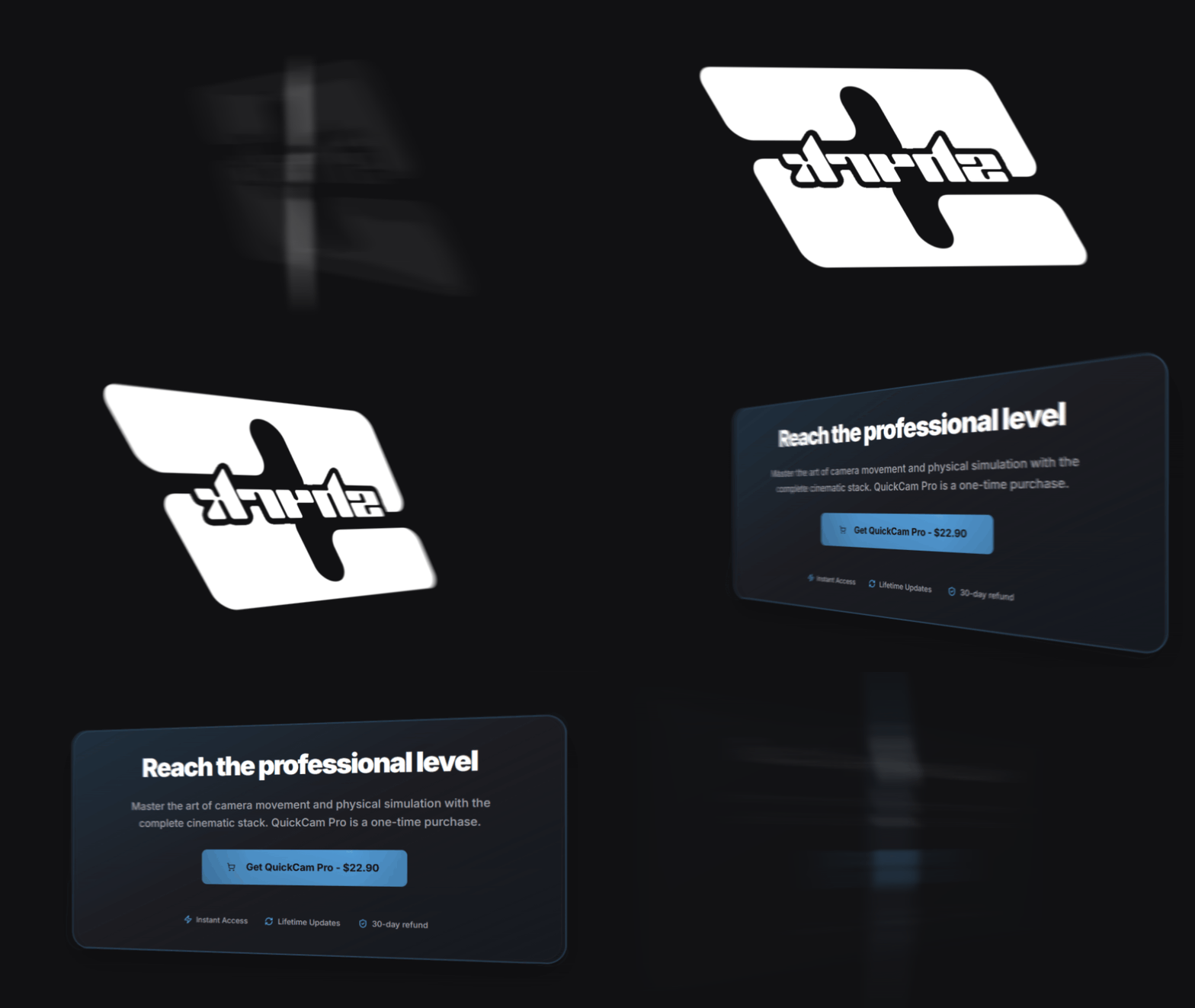
3D Transitions
Zoom & Position
Smooth zoom animations and precise position control. Point the viewer at the detail that matters.
Dynamic Position
Dynamic Zoom
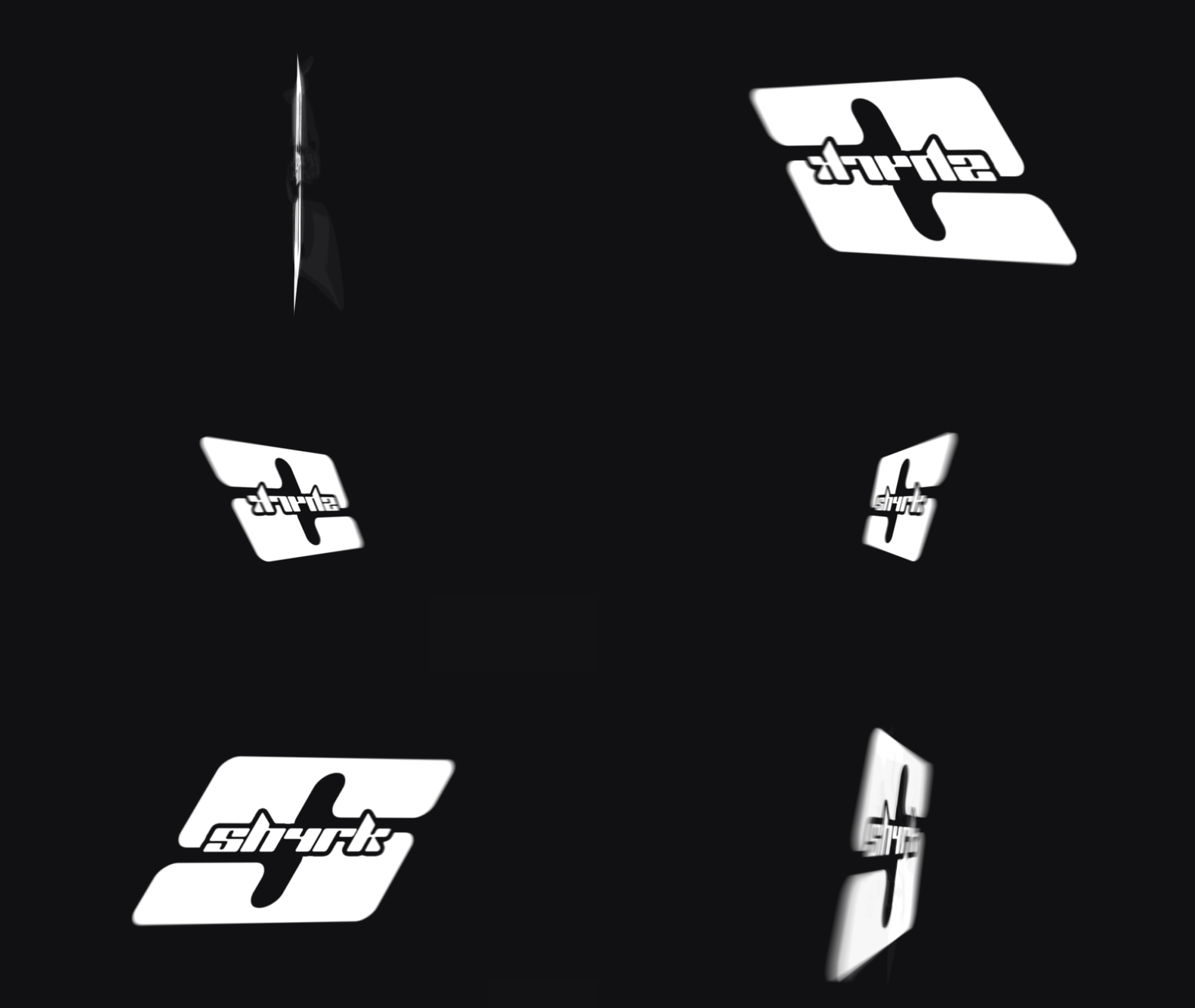
Looping Animations
Advanced Depth Of Field
Simulate realistic lens focus with advanced depth of field. Define your focal points at the start and end of your move to create high-end optical transitions.
Without Depth Of Field
With Depth Of Field
Physical Screen Simulation
Physically simulates the pixel grid of modern displays, with a procedural generator and example pixel textures. And yes, people will tell you to clean your monitor when you show them.
Raw Source
Texture 1
Texture 2
Texture 3
Texture 4
The free version includes 3 pixel textures. Pro includes all of them plus 7 more.
Full Compositing Suite
Glow, grain, lens dust, chromatic aberration, vignette and color controls. The optical imperfections that make a clean digital graphic read as filmed footage.
Color Correction tool
Chromatic Aberration
Glow
Lens Distortion
Advanced Lens Dust texture compositor
Vignette
Free vs Pro
Compare the versions to find the right workflow for your production needs.
| Feature | QuickCam Free | QuickCam Pro |
|---|---|---|
| Drag & Drop | Included | Included |
| No Studio Version Required | Included | Included |
| Works on Resolve 19.1 and above | Included | Included |
| Fusion Support | Included | Included |
| Edit Page Support | Included | Included |
| 3D Rotation | Included | Included |
| Zoom Animation | Included | Included |
| Smart Spline Editor | Included | Included |
| 20 Animation Presets | Not included | Included |
| Position Control | Not included | Included |
| Infinite Texture Support | Not included | Included |
| Advanced Depth Of Field | Not included | Included |
| Lens Distortion | Not included | Included |
| Color Correction | Not included | Included |
| Advanced Lens Dust texture compositor | Not included | Included |
| Vignette | Not included | Included |
| Grain | Not included | Included |
| Chromatic Aberration | Not included | Included |
| Generator Version for Edit Page | Not included | Included |
| Lens Dust Textures | Not included | Included |
| Pixel Textures (3 in Free, all + 7 new in Pro) | Included | Included |
| Procedural Pixel Engine | Not included | Included |
Reviews
Give it a review
Every review is checked by a person before it goes live, and we can see whether the reviewer bought the product. We publish reviews from buyers and non-buyers alike, but fake or purchased reviews are removed.
How To Install
Preparation
- 1Download and extract the 'QuickCam' package.
- 2Open DaVinci Resolve.
- 3Create a new timeline and open the Fusion page, with a composition active.
Automatic
- 1Drag and drop the installer.lua file from the package into the Fusion nodes area and click 'OK'.
- 2Restart DaVinci Resolve.
- 3To verify installation, open the Fusion page and search for 'QuickCam' using Shift + Space.
- 4Also, go to the Edit Page and look under Effects -> sh4rk -> QuickCam to see the Edit Page version.
Manual
- 1Open the 'content' folder in your extracted package.
- 2Copy
quickcam_encrypted.fuseand paste it into your Resolve . - 3Copy the
QuickCamfolder and paste it into your Resolve .
Questions or need help? Join our Discord.
You can also read the full documentation here.
Frequently Asked Questions
More from sh4rk
Enjoying QuickCam? These take your edits further.

sh4rk's 3D Text Animator
$18.903D text that animates letter by letter with no keyframes. Free in Fusion, Pro adds the Edit page and 16 lighting presets.
View product
Blurify
$9.90Motion blur for final renders. Samples between frames with a fast blend mode and an optical flow mode. Heavy on purpose.
View product
sh4rk's Editing Pack 2
$32.90217 macros, 1,000 overlays, 433 sound effects and 1,592 textures. The free version is a slice of it.
View productReach the professional level
Turn a plain screen recording into a cinematic shot, in about a minute.