Instant Saver
One node replaces the whole Saver setup in DaVinci Resolve and Fusion Studio. Click once: exported, Loader created, folders named.

- One time purchase, no subscription
- Free lifetime updates
- One click exports
- Any resolution & transparency
- Free & Studio supported
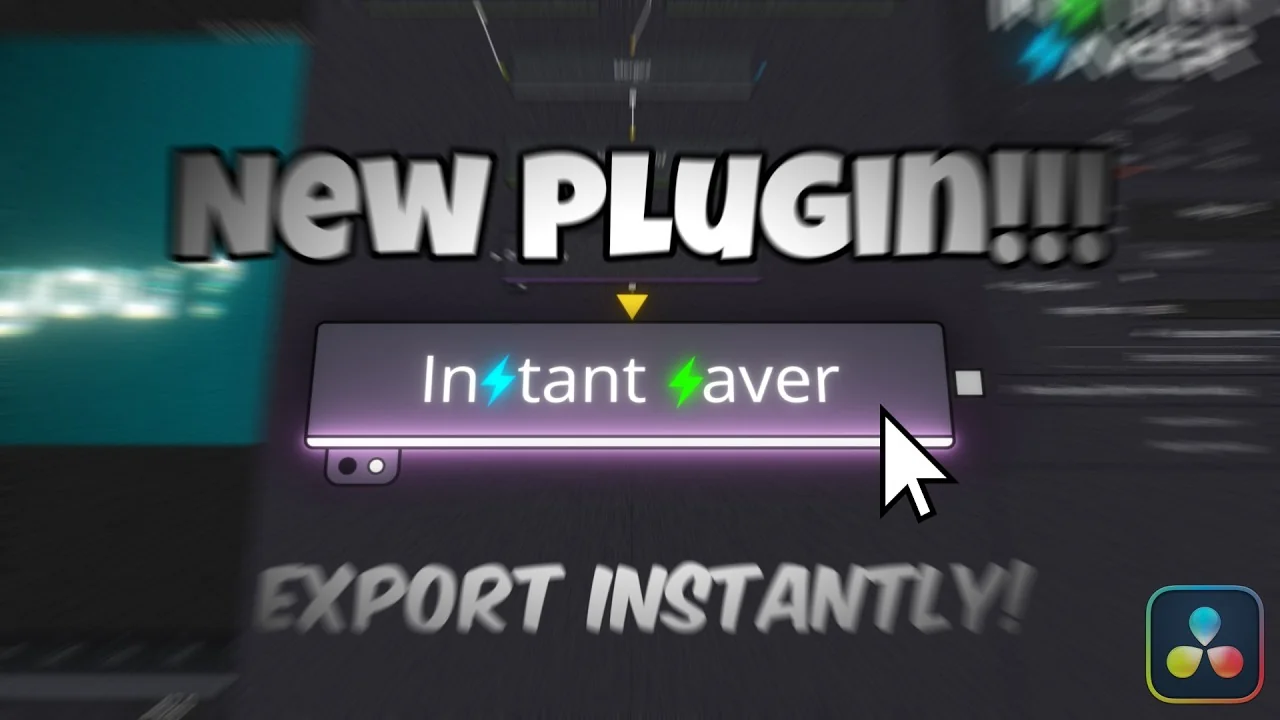

Watch the Tutorial
Snapshot exports, image sequence automation and workflow acceleration compared to the standard DaVinci Resolve Saver node.
Features
One-Click Export System
Replaces the complex multi-step Saver workflow with direct export buttons for snapshots, image sequences, and video.
Advanced Image Support
Export PNG with Alpha, JPEG, TIFF with Alpha, or EXR with Alpha and Z-channel.
Fusion Studio Optimized
High-performance video export for MP4, MOV (QuickTime), and AVI formats directly from your composition.
Instant Loader Creation
Automatically generates and positions a configured Loader node after export, preserving all your essential settings.
Smart Directory Organization
Automatically creates timestamped folders and smart file names based on your project structure to prevent accidental overwriting.
Workflow Acceleration
Turns a 5-step manual process into one click, so you stay in your creative flow.
Reviews
Give it a review
Every review is checked by a person before it goes live, and we can see whether the reviewer bought the product. We publish reviews from buyers and non-buyers alike, but fake or purchased reviews are removed.
Frequently Asked Questions
How To Install
Follow these simple steps to get Instant Saver running in your environment.
1Choose your OS
2Choose your software
3Place file in directory
C:\Users\[username]\AppData\Roaming\Blackmagic Design\DaVinci Resolve\Support\Fusion\Fuses\
C:\ProgramData\Blackmagic Design\DaVinci Resolve\Fusion\Fuses\
Restart your software after copying the file.
Add "Instant Saver" inside your composition and connect it.
Questions or need help? Join our Discord.
You can also read the full documentation here.
More from sh4rk

sh4rk's 3D Text Animator
$18.903D text that animates letter by letter with no keyframes. Free in Fusion, Pro adds the Edit page and 16 lighting presets.
View product
sh4rk's Editing Pack 2
$32.90217 macros, 1,000 overlays, 433 sound effects and 1,592 textures. The free version is a slice of it.
View product
QuickCam
$26.90Cinematic 3D camera moves without keyframes. Set where the shot starts and ends, Resolve fills in the rest.
View productStop Rebuilding Saver Nodes
Stop wasting time on repetitive export settings. Let Instant Saver handle the automation while you focus on creating.