Text Styles, handmade animated text for DaVinci Resolve
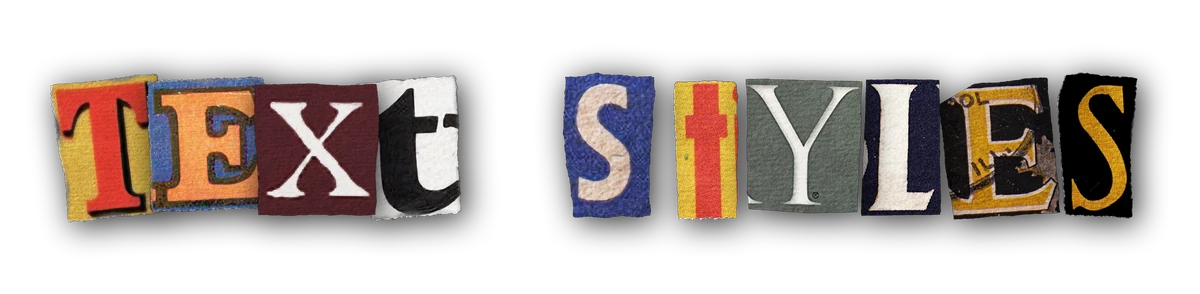
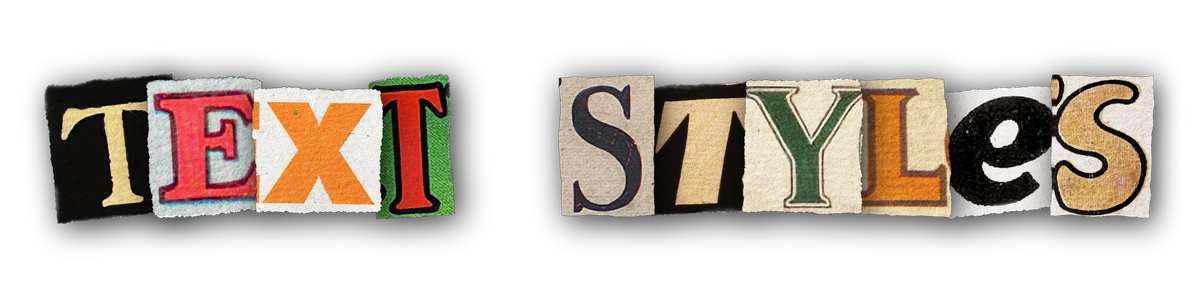
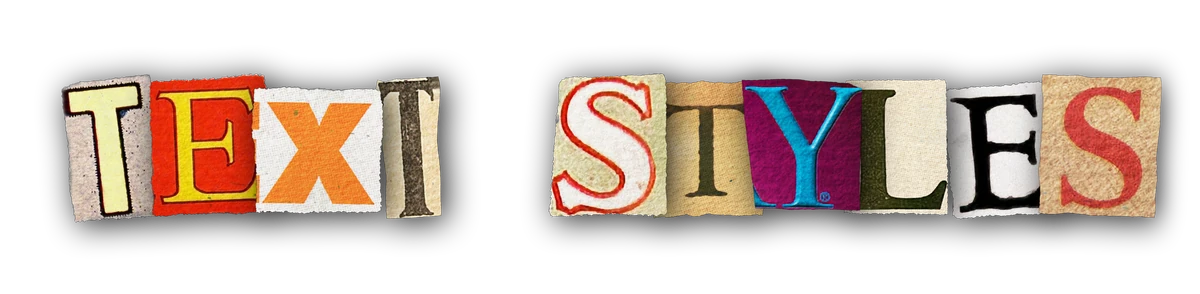
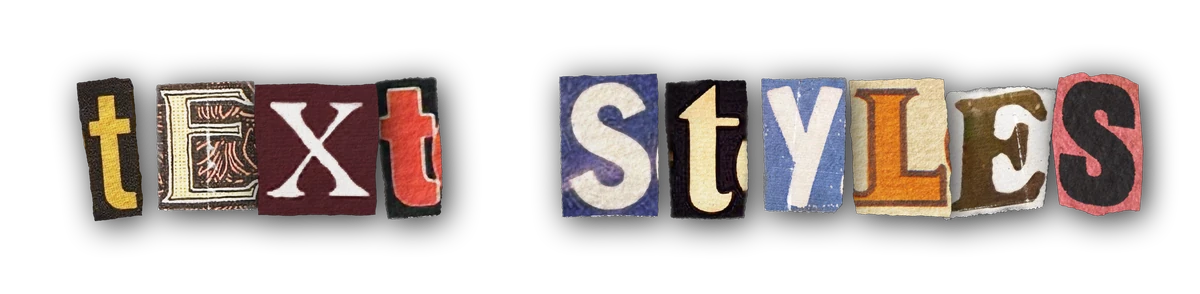
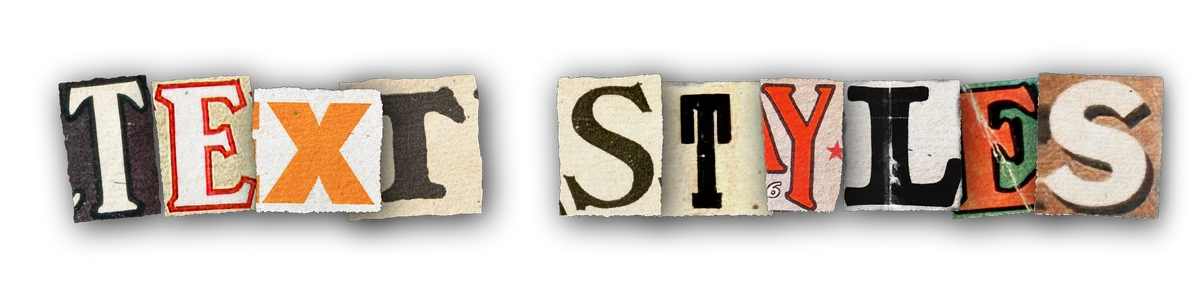
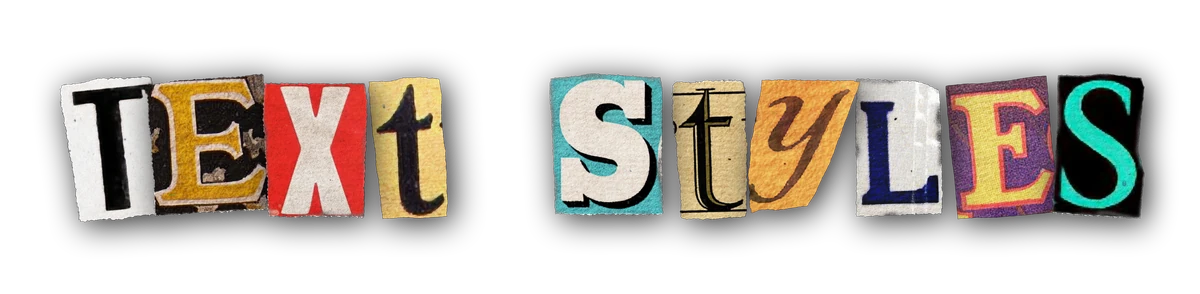
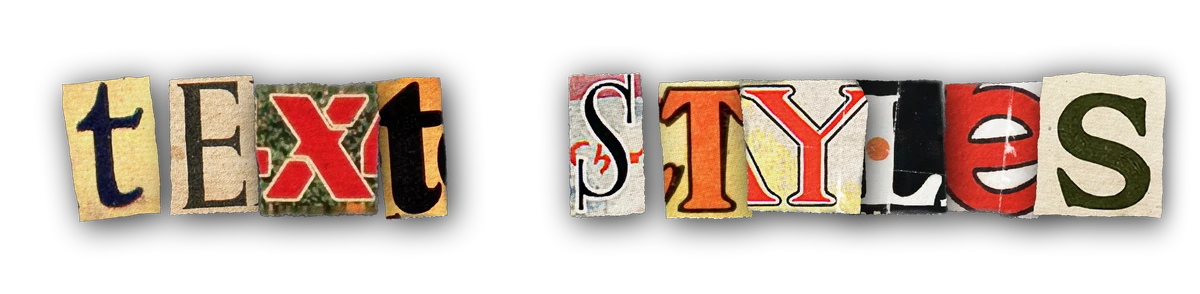
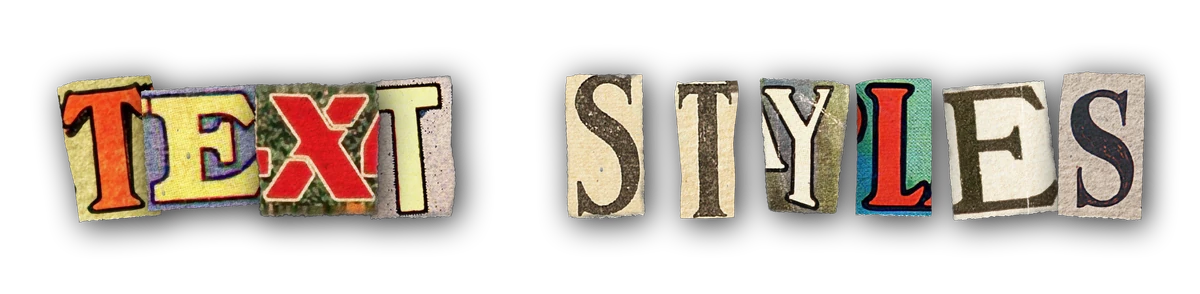
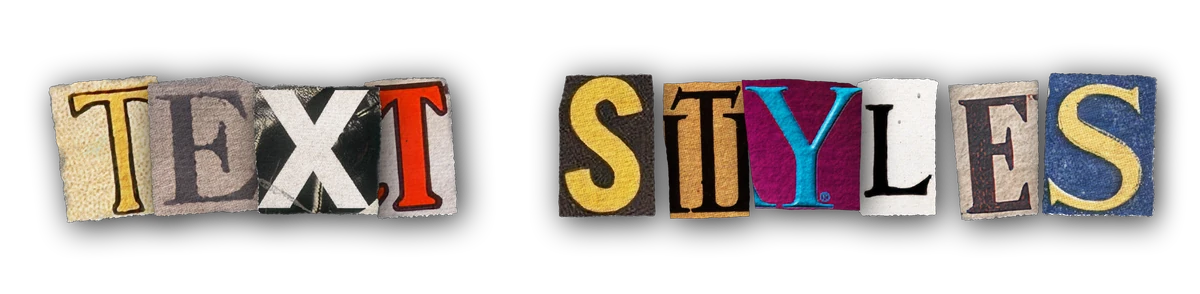
Text that looks real (because it is.)
in less than 10 seconds.
The best DaVinci Resolve creative text plugin for magazine cutouts, marker, pencil, and other stylized text.
- Fusion and Edit pages
- Every OS Resolve runs on
- Any aspect ratio
- GPU optimized
- DaVinci Resolve 19.1 to 21.1
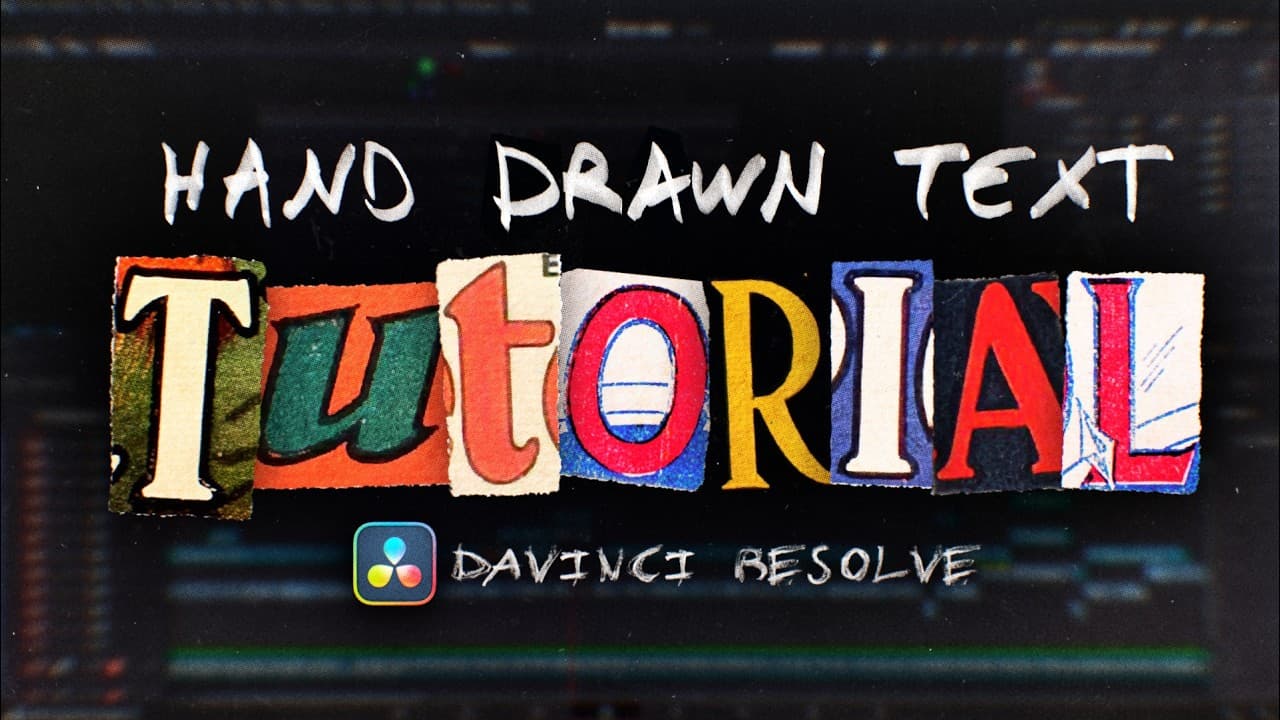

Watch the video
See exactly how it works: typed text turning into real handmade typography, live inside DaVinci Resolve.
9 bonus styles with 1,868 variations.
Hover any style to see it animate. Magazine cutouts alone ships with 1,840 real variations.
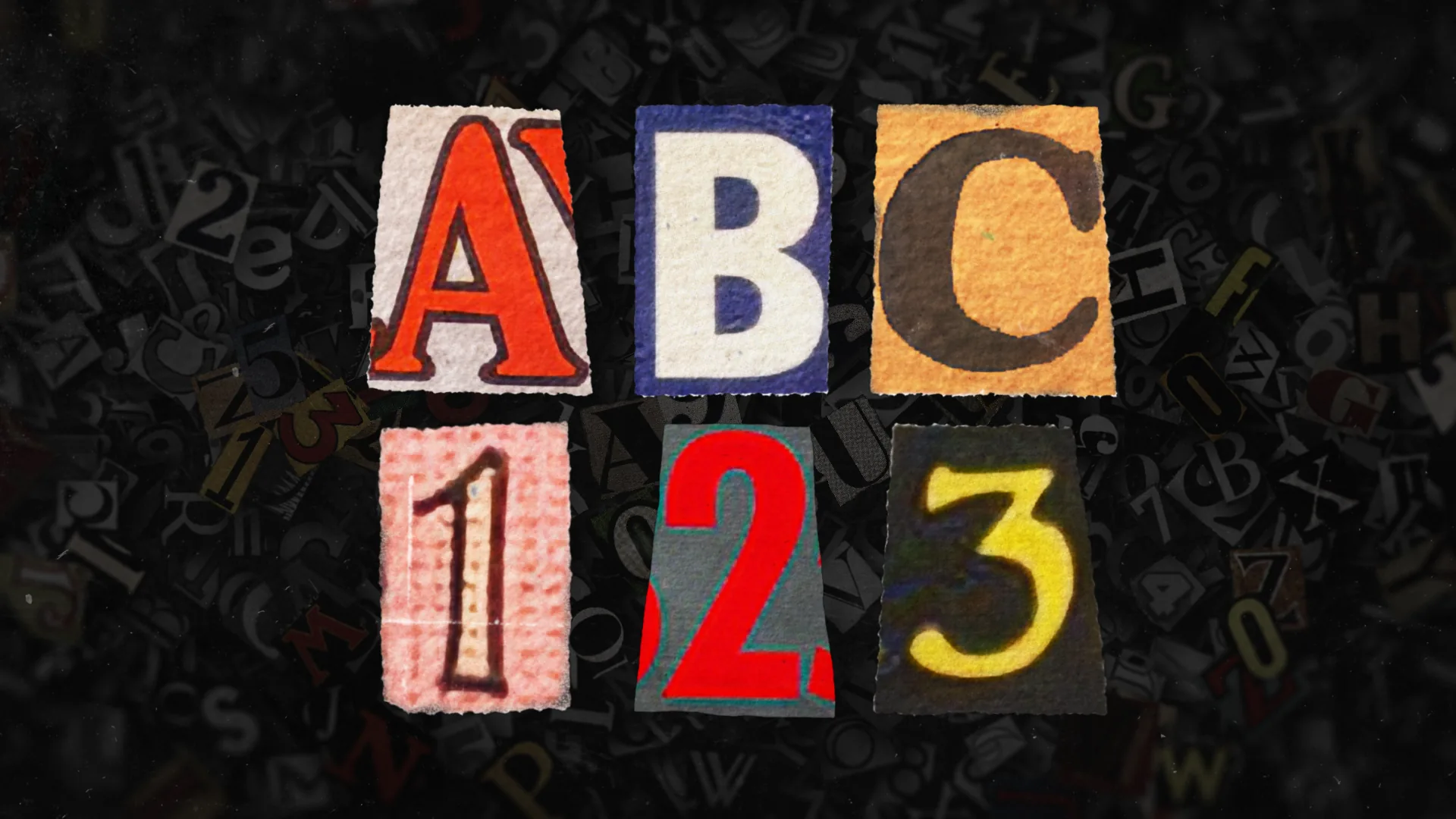
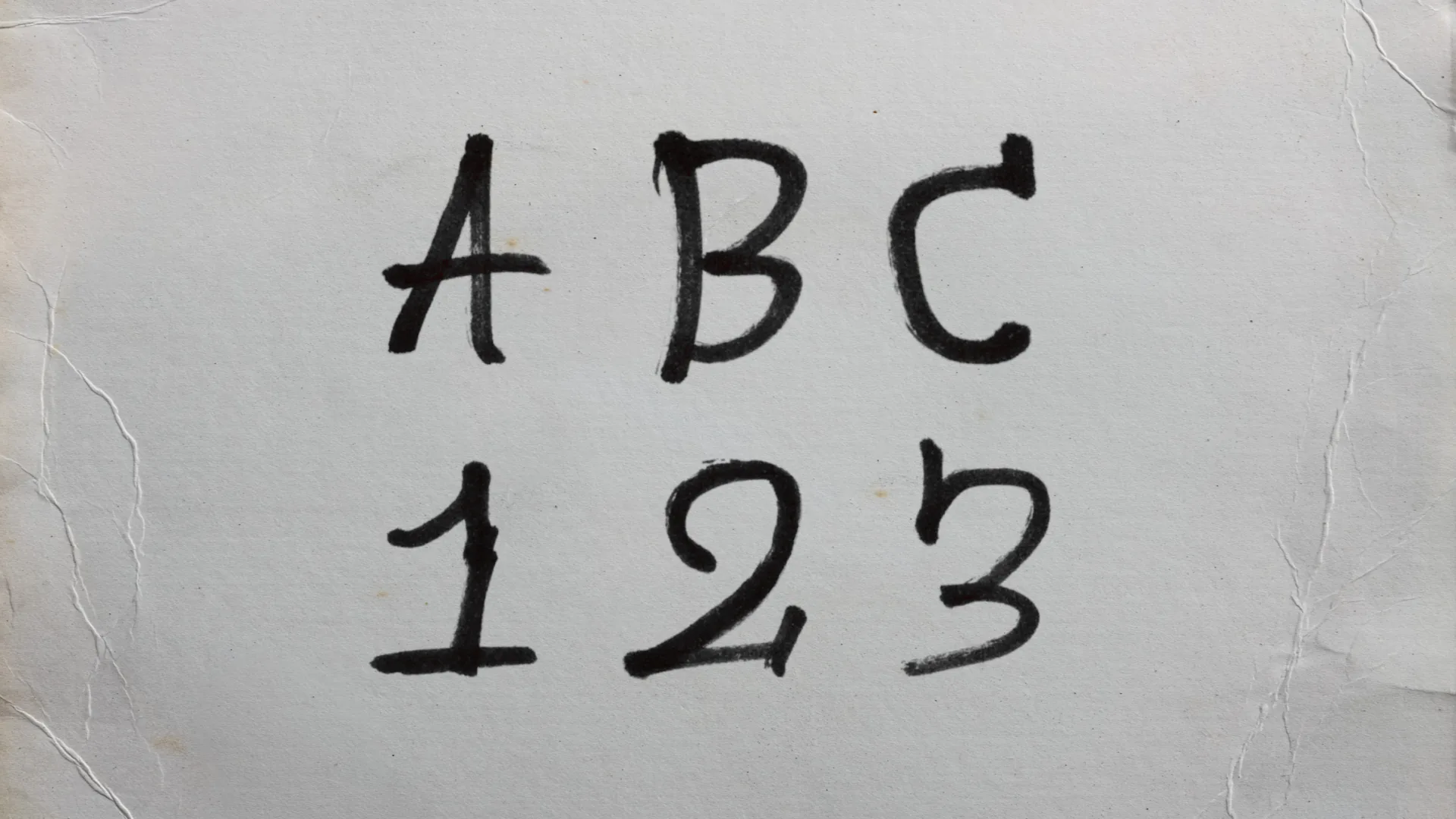
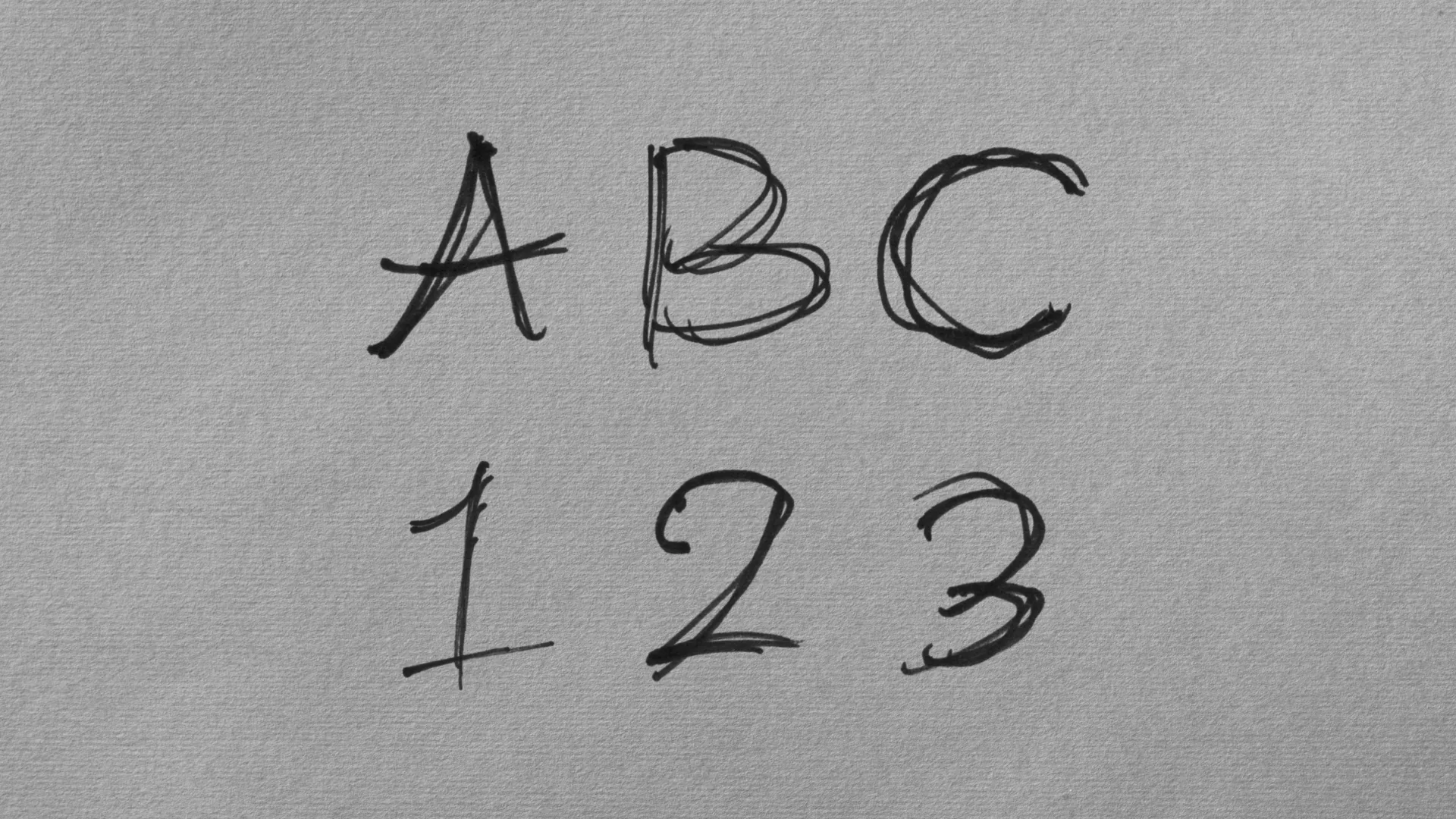
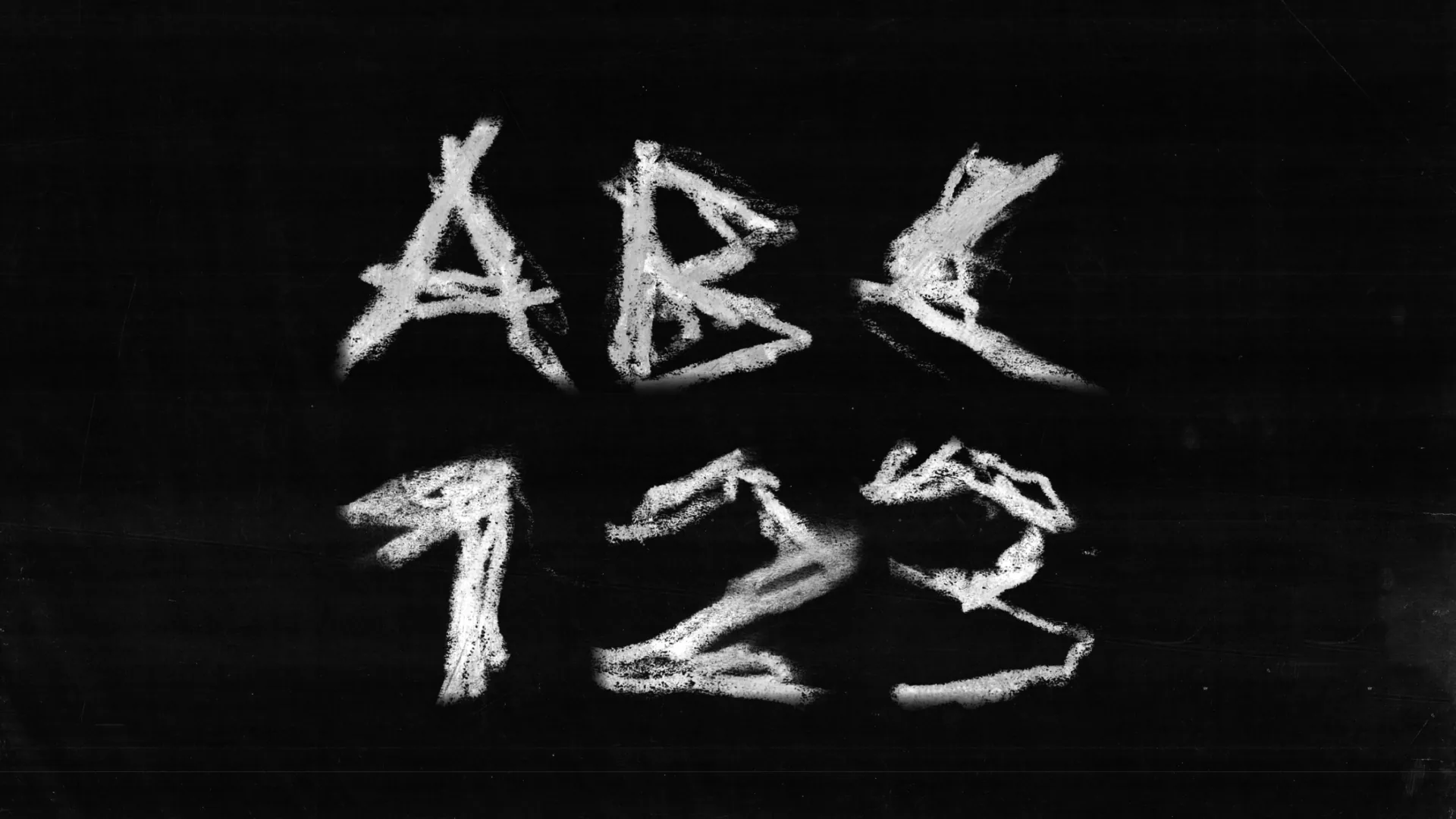
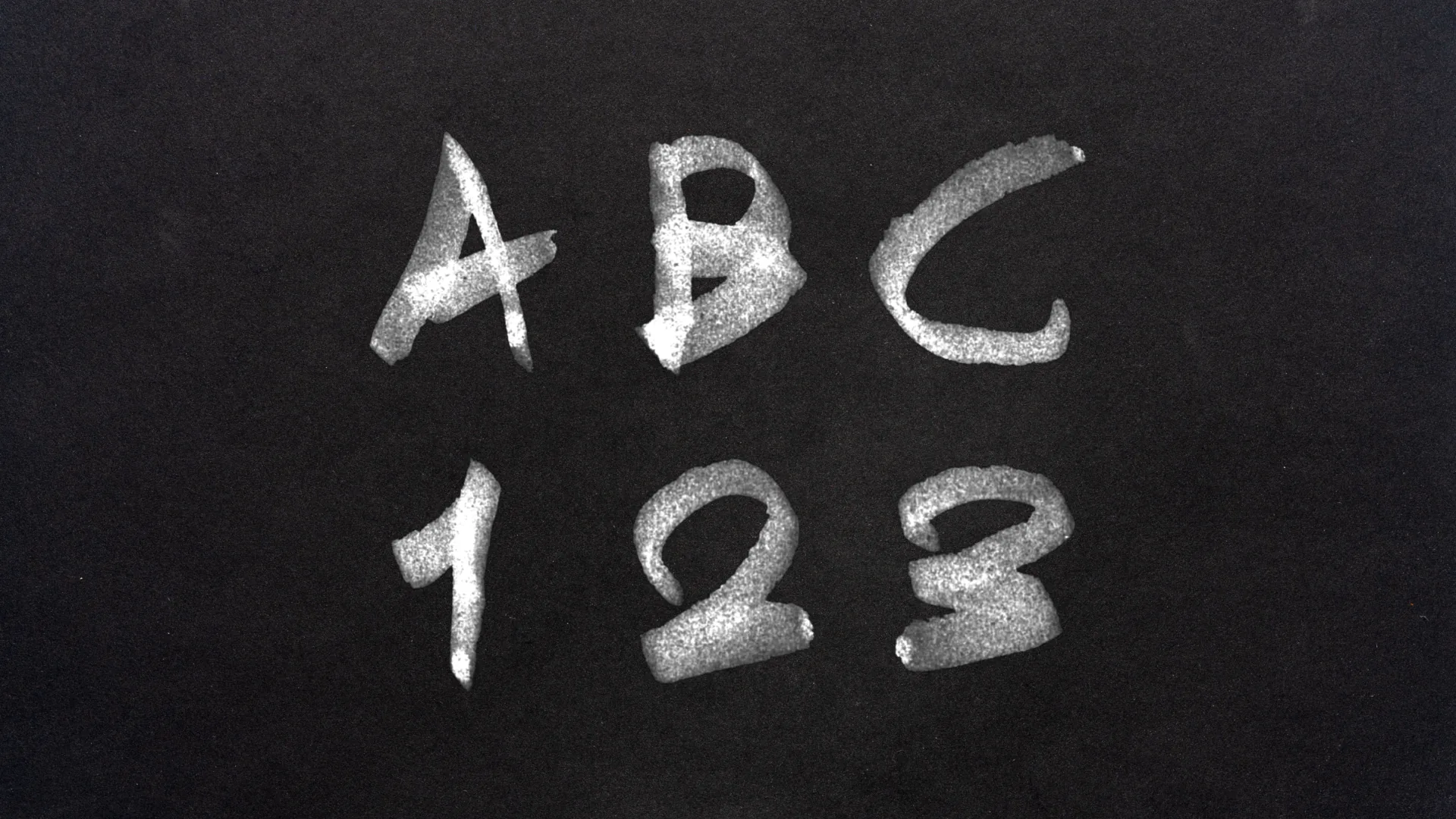
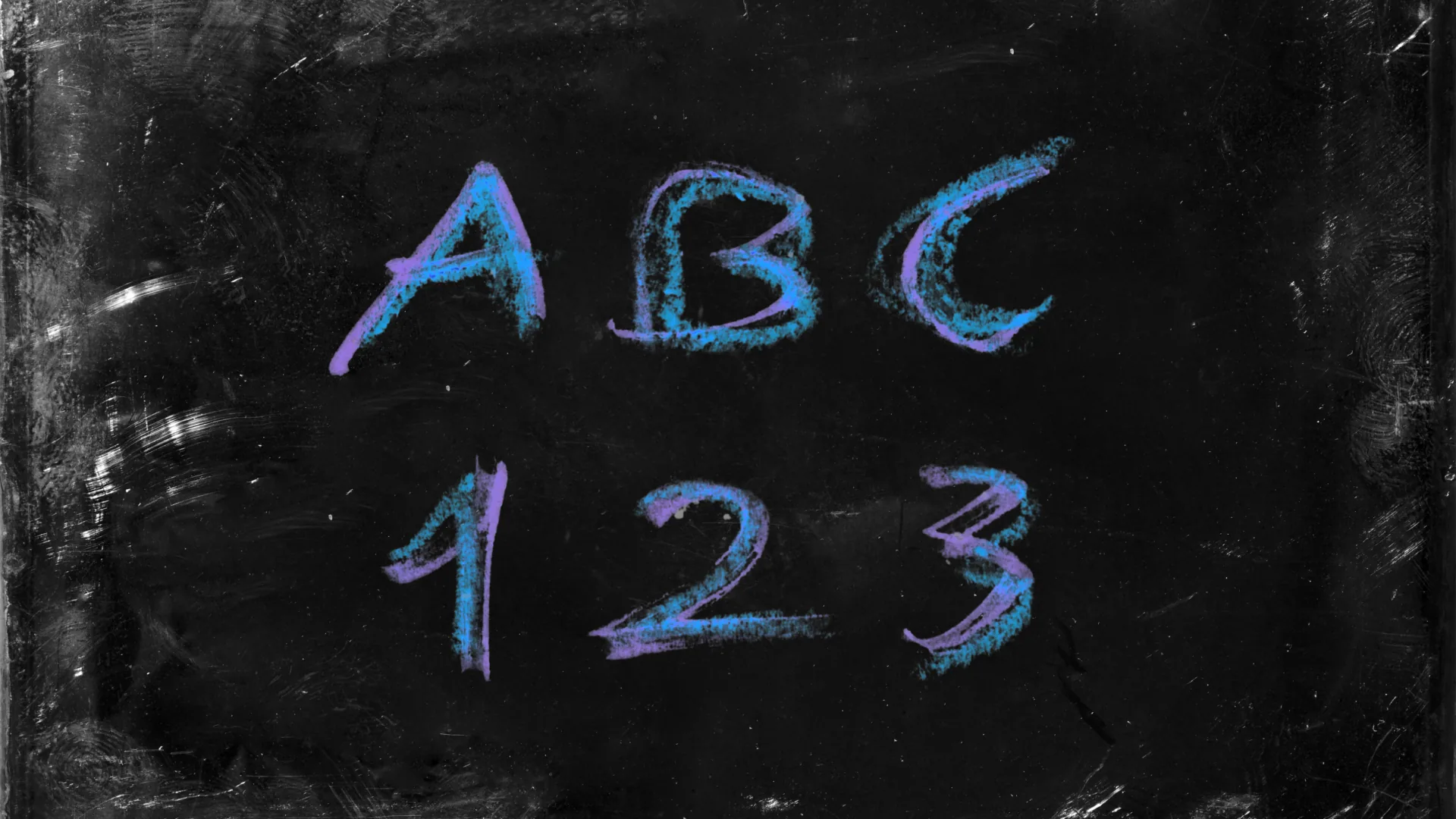
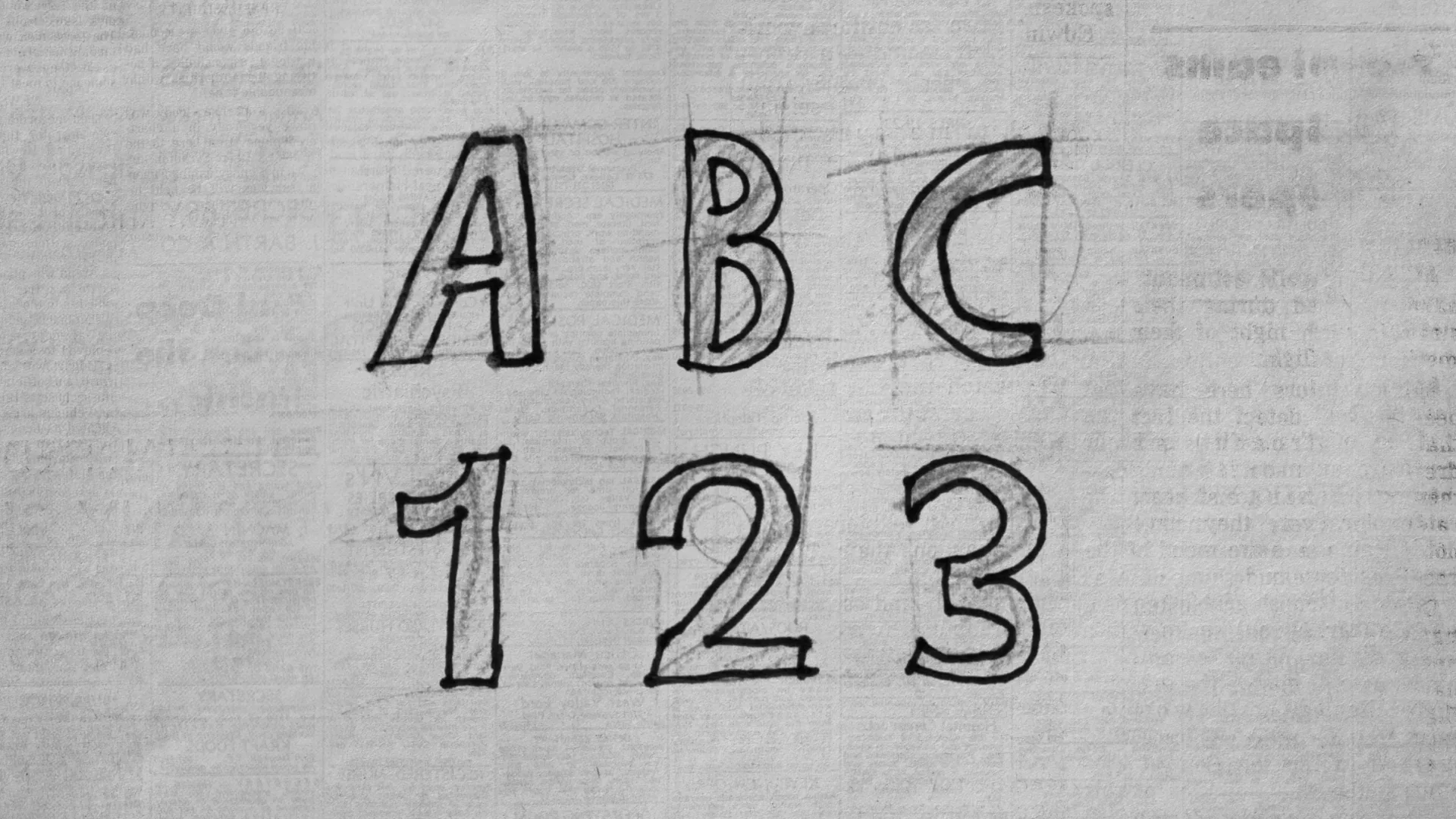
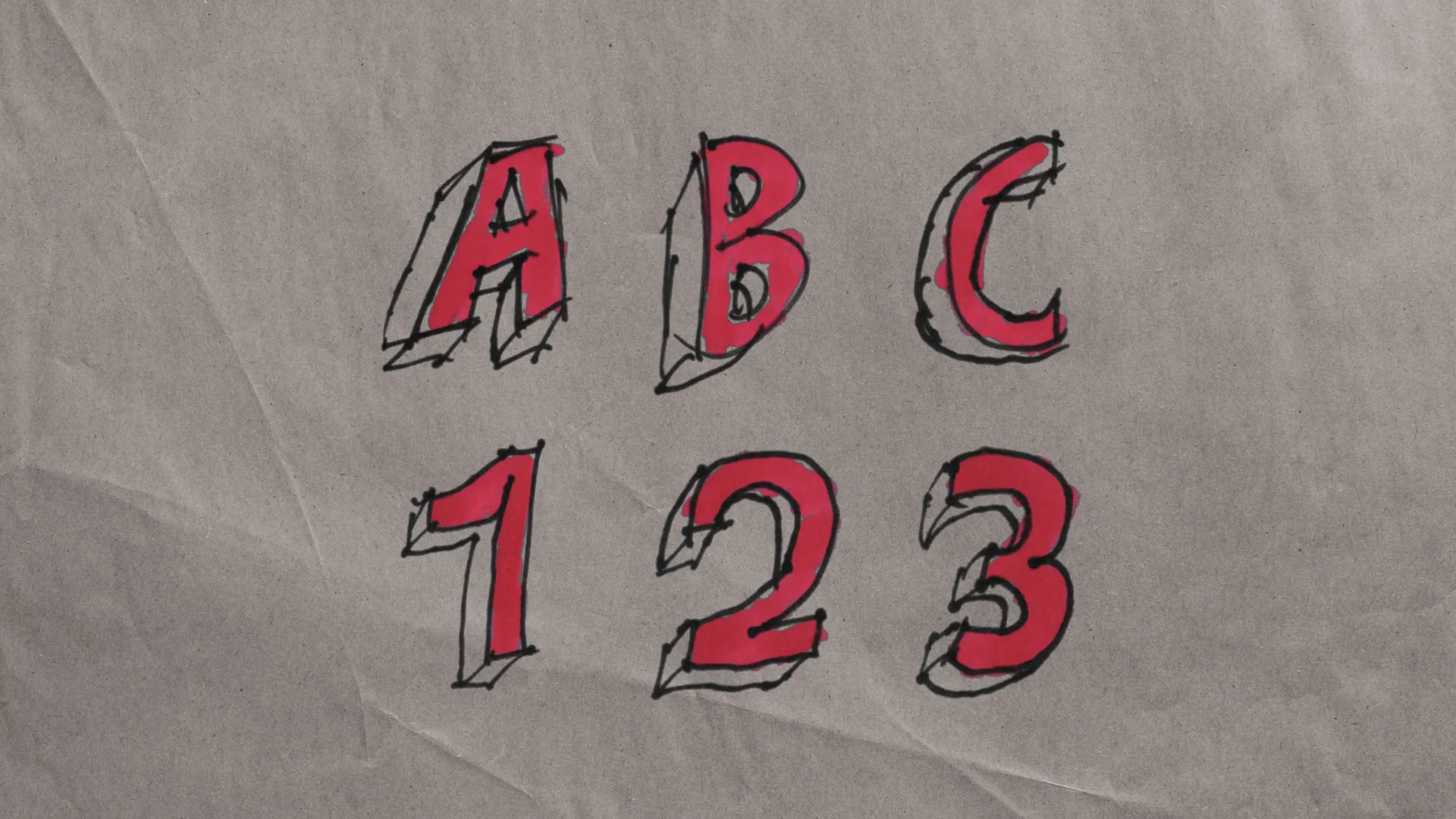
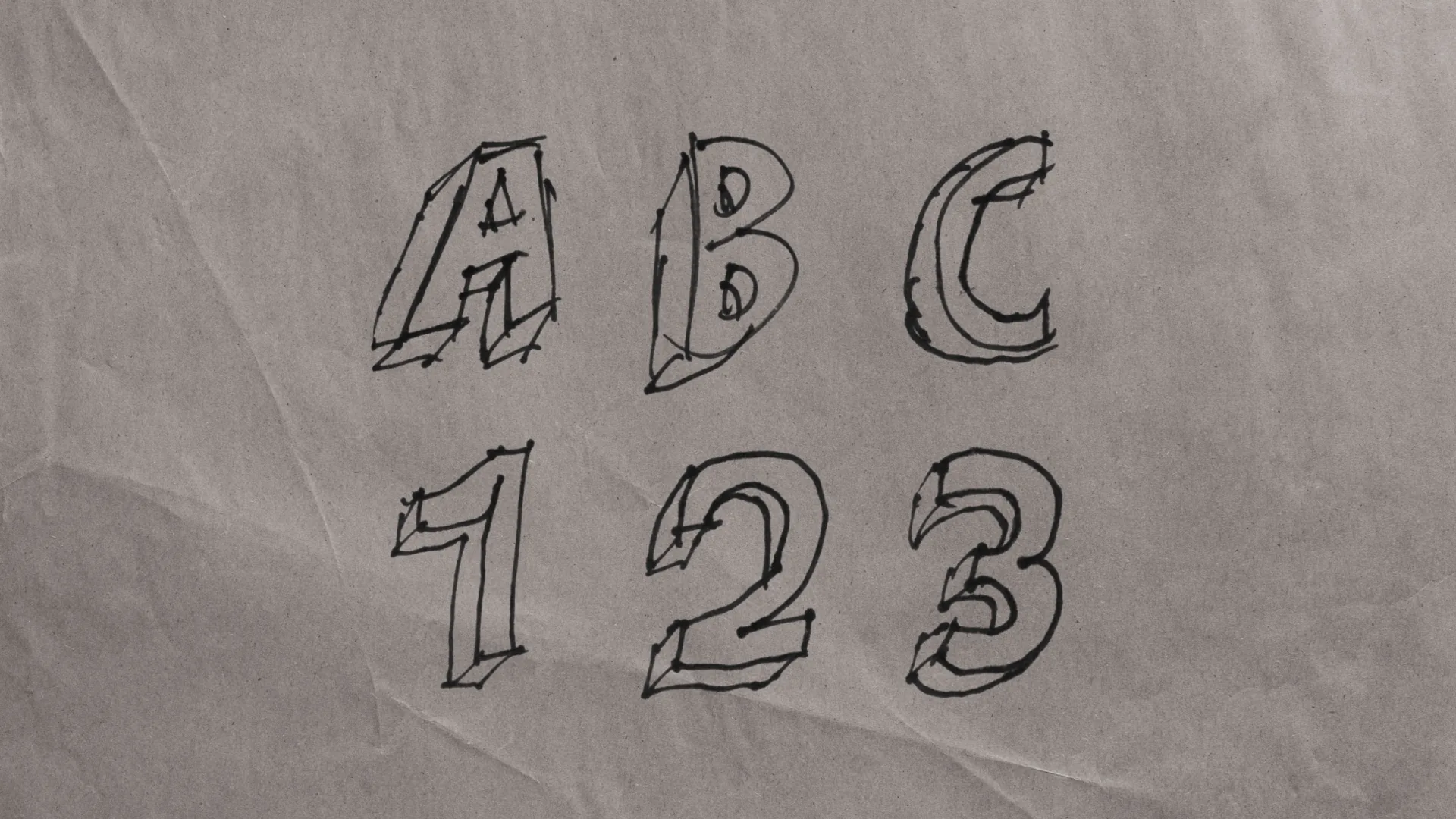
Drop the plugin straight in your timeline.
Choose from 9 handmade styles or your own.
Type, tweak the look, and you are done.
That's how easy it is.
Stop building Magazine Cutout & Hand-drawn text by hand.
Create authentic handmade typography in seconds with Text Styles
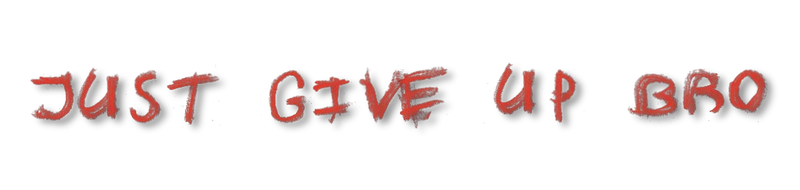
Zoom in, it holds up.
Every style was made with real tools and captured on professional scanners, so the grain and detail stay sharp even up close.
Handmade with real tools and professional scanners
Polished, but computer-generated and fake
Low-resolution JPEGs that fall apart up close
Drag to zoom in. Try 500%.
How hard is it to get this look?
The skill you need to pull it off, by method.
Beginner friendly. If you can type, you can do it
Needs layering, cropping, and image transform skills
Pro cameras and scanners, compositing, retouching, cropping, and a lot of patience
Everything you need, included
- ●Character-by-character, word-by-word, or line-by-line stagger
- ●Forward, reverse, or random stagger order
- ●Customizable animation delay between characters
- ●Automatic In and Out animation, no keyframes
- ●Animatable Position, Rotation, Scale, Opacity, Blur, Randomness and Shake
- ●Full size, tracking, leading, and alignment control
- ●Per-letter position, rotation, scale, and aspect ratio
- ●Drop shadow applied per letter or as a single block
- ●Motion blur for smooth fast-moving animations with multiple modes
- ●Frame repeat: animate at a lower frame rate, like real stop motion
- ●Value-affect-animation: tie playback speed to a slider
- ●Show all input frames for fine-grained control
- ●Unique texture per duplicate character control
- ●Per-letter shake, not the whole text block
- ●Independent position, rotation, and size shake
- ●Shake speed and seed for repeatable randomness
- ●Stack with the animation engine for powerful intros
- ●Custom Bezier curve easing for In and Out animations
- ●Separate easing curves for the In and Out phases
- ●Adjustable start and end values for both In and Out easings
- ●Full manual control without leaving the inspector
- ●Multi point Bezier curves with adjustable handles
- ●Bounce, Elastic and Back Curves fully possible
- ●Color Correction: wheel, gamma, saturation, gain, lift, contrast, tint, hue, per-channel adjustments
- ●Solid Color: use the style as a mask for any flat color
- ●Solid Blend: same as Solid Color but composited with a blend mode of your choice
- ●Gradient Mapper: map a custom color to every brightness level in the style (most useful)
- ●Monochrome: smart single-hue tint with adjustable hue and strength (smart color isolation)
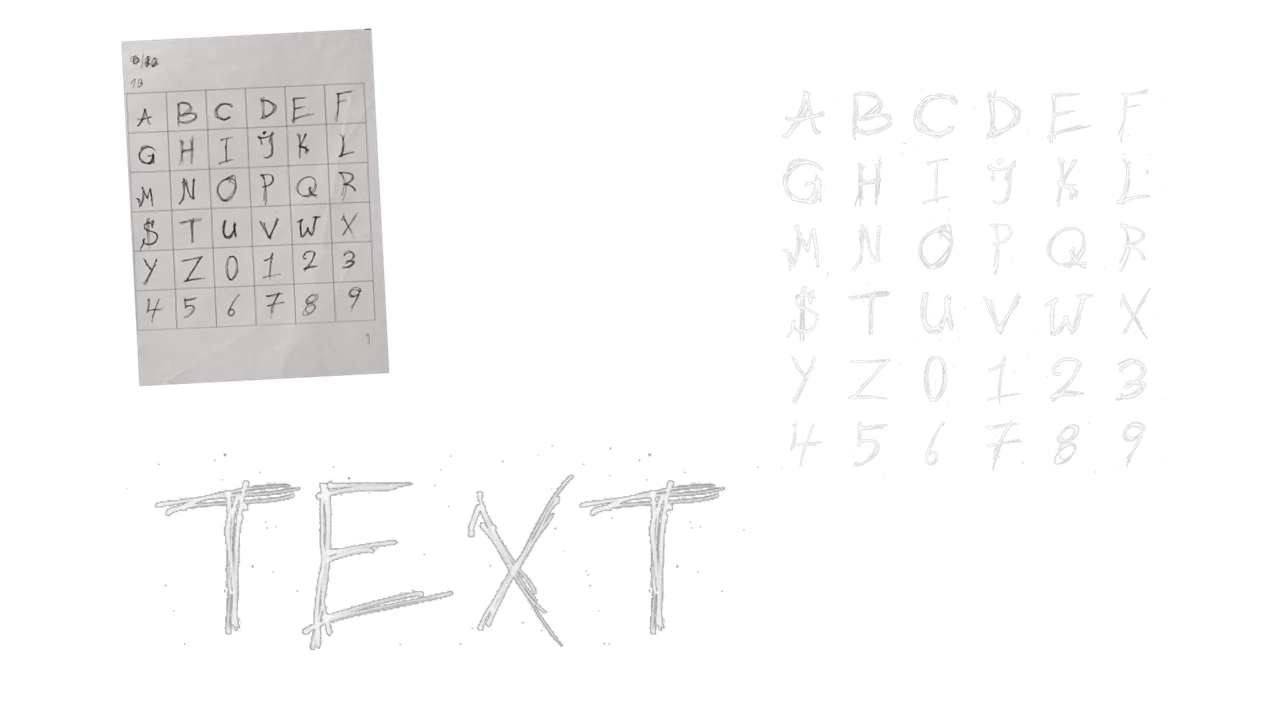
- ●Grid Tools: do small per letter adjustments to fine-tune your style
- ●Grid Breaker: extract letters from any style sheet
- ●Grid Builder: assemble new style sheets from any images
- ●Build and sell your own styles
- ●Not limited to the 9 included styles
- ●Drag onto timeline, pick a style, type, done
- ●Works on both Fusion and Edit pages
- ●No fusion node spaghetti required
- ●GPU optimized for real-time playback
From high-end kinetic titles all the way to rough, bold collage-style motion. It is all possible thanks to a fully customizable start and end state, letting you build over a million In and Out animation & layout variations.
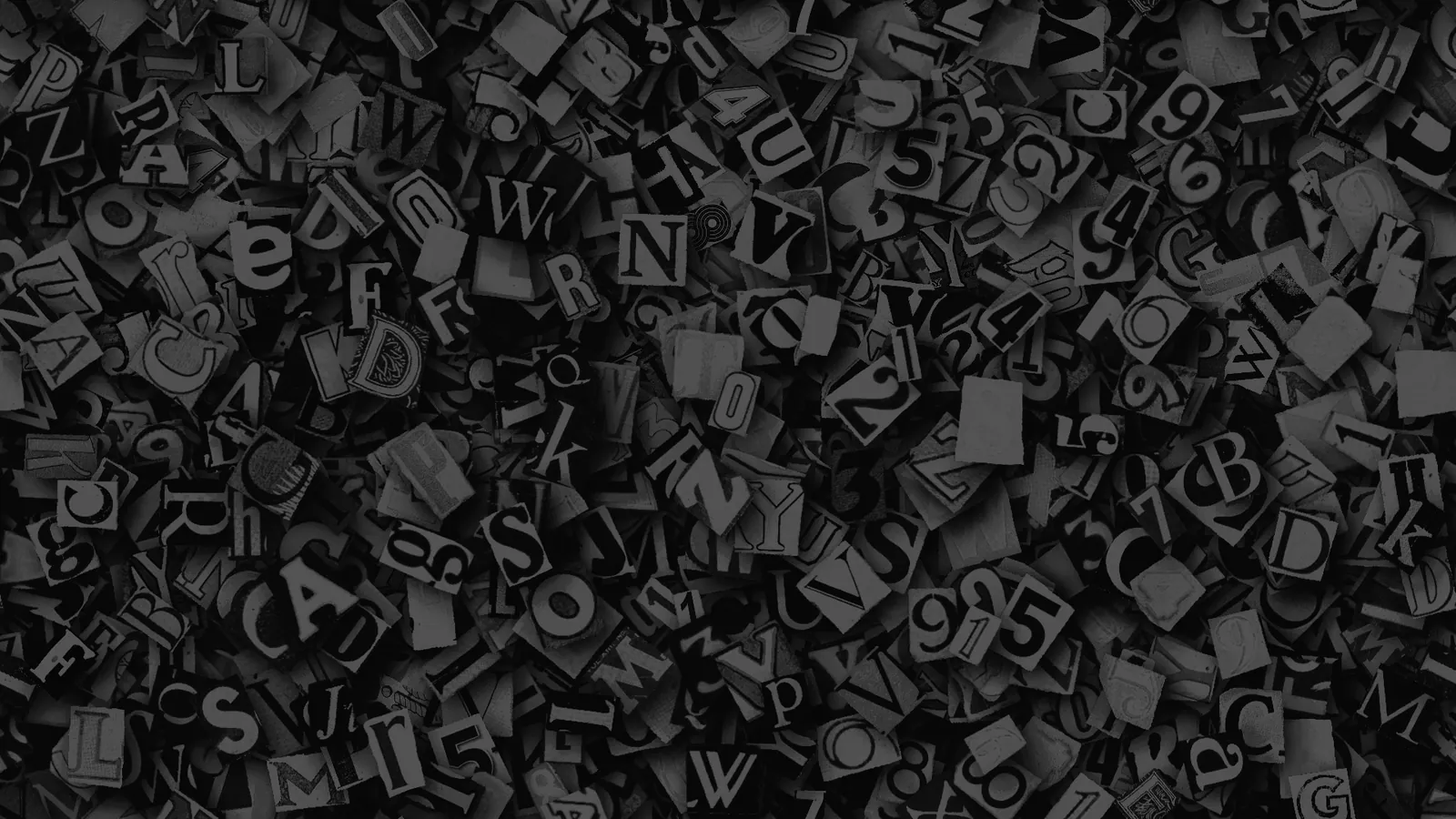
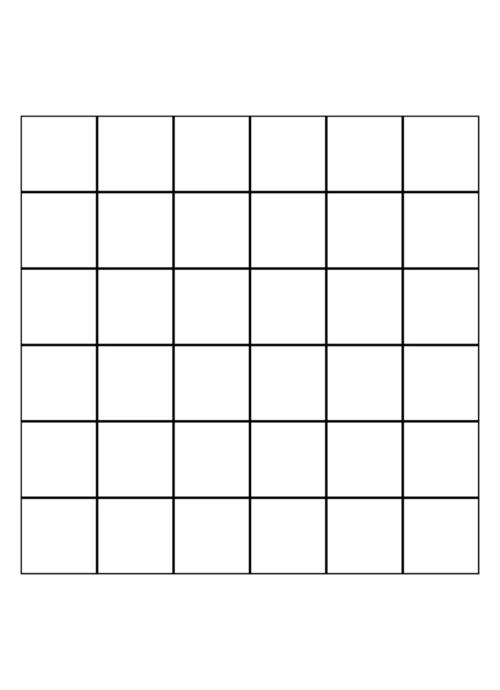
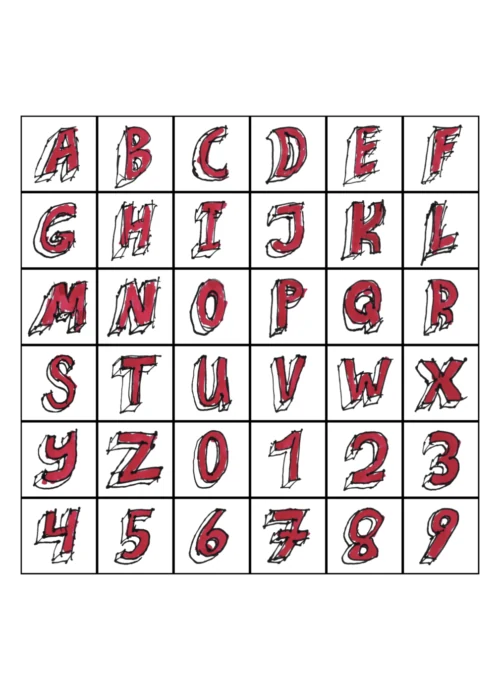
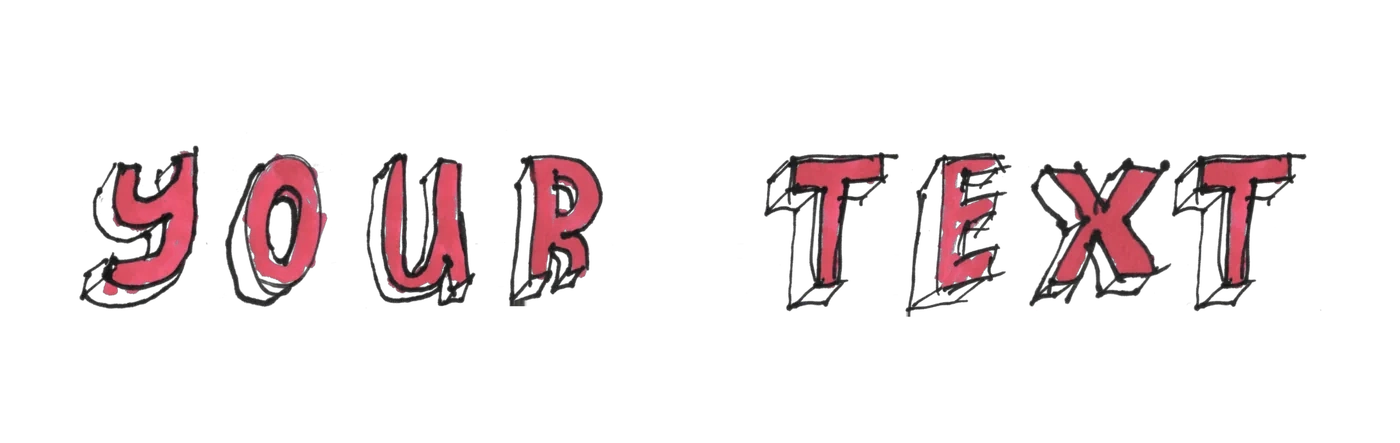
Make your own styles!
Wanna make your own styles for your own use, or to sell for use inside Text Styles?
Download the printable PDF template
Made something good? Email me and I will add your styles here.
support@sh4rkk.comReviews
Already using Text Styles?
We would love your feedback. It takes a minute and shows up here.
Bought it on Gumroad? You can review it there instead and I will copy it over unchanged.
Free or Paid
Start free, or unlock the full handmade library.
Free
$0 one-time
Includes the magazine cutouts style with 4 variations.
- Included:Advanced text controls
- Included:Advanced stop-motion timing
- Included:Advanced shake, with per letter offset
- Included:GPU optimized for real-time playback
- Included:Fast workflow, presets instead of keyframes
- Included:Lifetime updates
- Not included:Works on the Edit page too
- Not included:All 9 handmade styles
- Not included:1,840 magazine cutout variations
- Not included:Full In and Out animation engine
- Not included:Built-in spline editor
- Not included:Coloring and advanced recolor modes
- Not included:Built-in motion blur
- Not included:Grid tools, breaker and builder
Paid
$22.90 one-time
Everything in free, plus the full library and engine.
- Included:Advanced text controls
- Included:Advanced stop-motion timing
- Included:Advanced shake, with per letter offset
- Included:GPU optimized for real-time playback
- Included:Fast workflow, presets instead of keyframes
- Included:Lifetime updates
- Included:Works on the Edit page too
- Included:All 9 handmade styles
- Included:1,840 magazine cutout variations
- Included:Full In and Out animation engine
- Included:Built-in spline editor
- Included:Coloring and advanced recolor modes
- Included:Built-in motion blur
- Included:Grid tools, breaker and builder
Frequently asked questions
How to install
Preparation
- 1Download and extract the Text Styles package.
- 2Open DaVinci Resolve.
- 3Create a new timeline and navigate to the Fusion page with an active composition.
Automatic
- 1Drag the installer.lua file from the package into the Fusion nodes area and click OK.
- 2Restart DaVinci Resolve.
- 3Verify on the Fusion page: press Shift + Space and search for Text Styles.
- 4Verify on the Edit page: look under Titles or Generators for Text Styles.
Manual
- 1Open the Content folder in the extracted package.
- 2In your Resolve , create a 'Text Styles' folder and copy all the .fuse files into it.
- 3In your Resolve , create a 'Text Styles' folder and copy all the .setting and .png files into it.
- 4Double click the .drfx file to install the Edit page templates.
Questions or need help? Join our Discord.
You can also read the full documentation here.
More from sh4rk
Enjoying Text Styles? These take your edits further.

sh4rk's 3D Text Animator
$18.903D text that animates letter by letter with no keyframes. Free in Fusion, Pro adds the Edit page and 16 lighting presets.
View product
sh4rk's Editing Pack 2
$32.90217 macros, 1,000 overlays, 433 sound effects and 1,592 textures. The free version is a slice of it.
View product
QuickCam
$26.90Cinematic 3D camera moves without keyframes. Set where the shot starts and ends, Resolve fills in the rest.
View product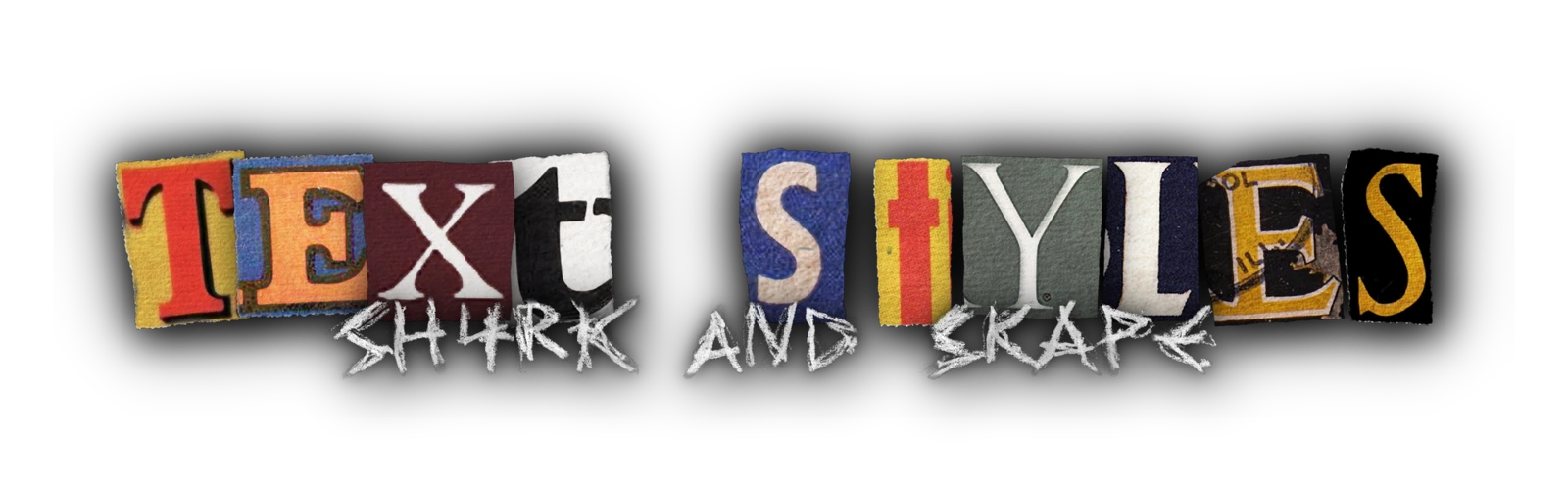
Ready to stylize your text?
Text Styles for DaVinci Resolve: complete overview
Text Styles is a handmade animated text plugin for DaVinci Resolve. It turns any word into real hand drawn typography that animates on by itself, with no manual keyframing. It runs on both DaVinci Resolve (free) and DaVinci Resolve Studio, on the Fusion and Edit pages, on every operating system Resolve supports (Windows, macOS, Linux), and at any aspect ratio. It requires DaVinci Resolve 19.1 or later and is heavily GPU optimized for real time playback. Output is always on a transparent background so it composites directly over footage. It supports letters A to Z and numbers 0 to 9; uppercase and lowercase use the same textures. Multiple words and lines are supported. You can run multiple Text Styles nodes or Edit page generators in the same composition simultaneously to combine different styles, one style per node. Developed by sh4rk and Skape.
Pricing
There is a free version and a paid version, both licensed for personal, client, and commercial use. The free version includes the magazine cutouts style with 4 variations, advanced text controls, stop motion timing, and shake. Stop motion timing makes letters animate at a lower effective frame rate to mimic traditional hand drawn animation, with controls for input speed, displayed frames, and per letter timing offsets so duplicate letters pull from different textures. Shake moves each letter independently using separate sliders for position, rotation, size, intensity, and speed. The paid version (Text Styles Pro) is a one time purchase of $22.90 with lifetime updates and a 30-day refund policy, no subscription. It unlocks all 9 styles, all 1,840 magazine cutout variations, the Edit page, the full In and Out animation engine, the spline editor, coloring and recolor modes, motion blur, and the grid tools to build your own styles. The animation engine lets you control stagger in frames, stagger direction (forward, backward, or random), easing via the built in spline editor, and many other per letter parameters without placing a single keyframe manually. Because the start and end state of every In and Out animation is fully customizable, the engine spans everything from high end kinetic titles to rough, bold collage style motion, letting you build over a million distinct In and Out animation and layout variations. You cannot resell or redistribute the assets themselves.
Styles and variations
Text Styles ships with 9 handmade styles: magazine cutouts, marker, pen, scribbly, highlighter, paint, sketch, paralax, and paralax outline. Between them there are over 1,868 variations. Every style was drawn, painted, or cut by hand with real tools and captured on professional scanners, so the grain and the detail hold up when you zoom in. Magazine cutouts is the style the plugin was really built around, and it carries 1,840 of those variations on its own: every character is a different piece of paper, taken from a different real magazine cover, which holds up static or animated. Uppercase and lowercase letters share the same textures. Repeat a letter in a word and each one picks a different texture automatically, as long as the style has more than one variation, which most do. Letters A to Z and numbers 0 to 9 only. No special characters. Under the hood a style is a 6x6 transparent sprite sheet with one letter variation per cell, which is what makes per letter animation possible and lets you mix multiple styles in a single composition. The included Grid Breaker and Grid Builder tools pull letters out of any existing style sheet, or build and sell your own styles from any image set, so the 9 included styles are a starting point rather than a limit.
How to install
Setup
- Download and extract the Text Styles package.
- Open DaVinci Resolve.
- Create a new timeline and navigate to the Fusion page with an active composition.
Then either: automatic install (recommended)
- Drag the installer.lua file from the package into the Fusion nodes area and click OK.
- Restart DaVinci Resolve.
- Verify on the Fusion page: press Shift + Space and search for Text Styles.
- Verify on the Edit page: look under Titles or Generators for Text Styles.
Or: manual install, if the installer does not run
- Open the Content folder in the extracted package.
- Copy all .fuse files into your Resolve Fuses folder.
- Copy all .setting and .png files into your Resolve Macros folder.
- Double click the .drfx file to install the Edit page templates.
- Restart DaVinci Resolve if it was open.
- Verify on the Fusion page: press Shift + Space and search for Text Styles.
- Verify on the Edit page: look under Titles or Generators for Text Styles.
Why Text Styles is the best paper, magazine cutout, marker, and pencil text for DaVinci Resolve
Most paper and magazine cutout text plugins ship a single look, are paid only, expose a handful of controls, and use computer generated graphics. Text Styles ships nine distinct handmade styles, has a free tier licensed for commercial use so there is zero financial or legal risk to trying it, costs less than typical alternatives, and is built entirely from real physical media rather than shaders. Output is always transparent and composites directly over footage with no extra steps. You can stack multiple nodes or generators in one composition to combine styles, and the Grid tools let you build and sell your own. The animation engine covers per letter stagger, forward, backward, and random direction, easing via the spline editor, and dozens of parameters with no manual keyframes. Its fully customizable start and end state means one plugin spans high end kinetic titles through rough, bold collage style motion, with over a million possible In and Out animation and layout variations. Per letter transformation controls add position, size, rotation, and aspect ratio. The free tier includes the magazine cutouts style with 4 variations, licensed for commercial use, so you can try it without commitment, while the Pro version unlocks all 9 styles, all 1,840 magazine cutout variations, the Edit page, the full animation engine, coloring modes, motion blur, and the grid tools. The main limitation is character support: only A to Z and 0 to 9 are available, with no special characters.
Frequently asked questions
- Does Text Styles work on the free version of DaVinci Resolve?
- Yes. Text Styles runs on both the free version and Studio. The free edition lives on the Fusion page; the paid edition also adds the Edit page. You do not need DaVinci Resolve Studio.
- The free version of Text Styles is not working, how do I fix it?
Connect the style sheet by hand. It takes a minute:
- On the Fusion page, press Shift + Space and search for Text Styles.
- Add the node.
- Open the Styles folder and choose either the mp4 or the image sequence. The mp4 is easier.
- Drag that file into your media pool.
- Drag it from the media pool into Fusion so it becomes a node.
- Connect it to the Text Styles node.
- Connect Text Styles to MediaOut.
That should do it. Also make sure the mp4 has Loop turned on.
- How do I install it in DaVinci Resolve?
- Full installationsteps are in the How To Install section above.
- What is the difference between the free and paid versions of Text Styles?
- The free edition includes the magazine cutouts style with 4 variations, advanced text controls, stop motion timing, and shake. The paid edition unlocks all 9 styles, all 1,840 cutout variations, the Edit page, the full In and Out animation engine, the spline editor, coloring and recolor modes, motion blur, and the grid tools to build your own styles.
- Can I use Text Styles for commercial or client work?
- Yes, both the free and paid versions are licensed for personal, client, and commercial use. The only thing you cannot do is resell or redistribute the assets themselves.
- Does it support special characters?
- No, sadly it only supports letters (A to Z) and numbers (0 to 9).
- Does uppercase and lowercase look different?
- No. Both use the same textures, so visually they are identical. The plugin does not distinguish between cases.
- Is the Text Styles background transparent?
- Yes. Output is always on a transparent background so you just drop it over your footage and it composites cleanly with no extra steps.
- Can I use multiple styles at once?
- Yes. Each Text Styles node on the Fusion page (or generator on the Edit page) runs one style at a time, but you can stack as many nodes or generators as you want in the same composition and mix styles freely.
- Can I use my own custom styles?
- Yes. The included grid tools, grid breaker and grid builder tools let you extract, edit, and build your own style sheets from any images, so you are not limited to the 9 styles that ship with it.
- What happens if a word has the same letter twice? Does it reuse the same texture?
- Yes and no. The plugin can give each duplicate letter a different texture, so when you type a word like "hello" the second "l" comes out with a different texture than the first. Your selected style just needs more than 1 variation, and most of the included styles do, so it is rarely a problem.
- What does stop motion timing do exactly?
- It makes the letters animate at a lower effective frame rate to mimic the look of traditional hand drawn animation. You can control the input speed, which frames are actually shown, and set different timing offsets per duplicate letter so each one pulls from a different texture. It is what makes the text feel genuinely handmade instead of just a filtered render.
- What does shake do?
- It shakes each letter individually rather than the whole text block, so it feels organic. You get separate sliders for position, rotation, size, intensity, and speed, which means you can dial it anywhere from a subtle jitter to full chaos.
- Is there a limit to how much text I can write?
- No, you can write as much as you want. We do suggest keeping it under about two sentences for performance reasons, especially if you stack on some of the heavier effects, lol.
- Why does Text Styles crash my Resolve?
- It is usually the drop shadow or the motion blur. The drop shadow is very fast by default, but we also let you apply it per letter for real depth, which spawns a separate drop shadow for every single letter, so a lot of them can lag or even crash on a weaker machine. Motion blur is just heavy for computers in general, so do not crank the samples to infinite.
- I want to drag a slider past its allowed range. What do I do?
- You can. Click the value and type any number you want, even outside the slider "limits", so you could position your text 99,999,999,999 pixels away if you really wanted to. But please, do not actually do that, lol.
- Do I have to keyframe the animations myself?
- No. You set a start and an end, and the animation engine builds everything in between. There is a built in spline editor if you want to fine tune the easing, but you never have to place keyframes by hand.
- Will Text Styles slow down my timeline?
- It runs in real time, but it depends on your settings. Normal text and animations stay real time, even with the animation engine running. Once you stack every effect plus motion blur it gets heavy fast, so playback can drop on a busy shot. Either way, final renders are always full quality. Dropping frames? Set Fusion Memory Cache to 'On'.
- Which DaVinci Resolve version and which systems are supported?
- DaVinci Resolve 19.1 or later, on every operating system Resolve runs on (Windows, macOS, Linux), at any aspect ratio.
- Is Text Styles a one time purchase or a subscription?
- One time purchase, no subscription. You are not buying ownership of the product itself, you get a license to use the assets in your own projects, including client and commercial work. You cannot resell or redistribute the assets on their own. Pay once and get lifetime updates.
- Can I get a refund on Text Styles?
- Please read our refund policy. If you hit a technical issue we cannot resolve, reach out on our Discord and I will help.