Blurify - the best motion blur plugin for DaVinci Resolve

Realistic motion blur for your smoothest renders. Smoother than RSMB, built for visual quality, not real time performance.

- One time purchase, no subscription
- Free lifetime updates
- Free & Studio supported
- Fusion & Edit pages
- DaVinci Resolve 19.1 to 21.1
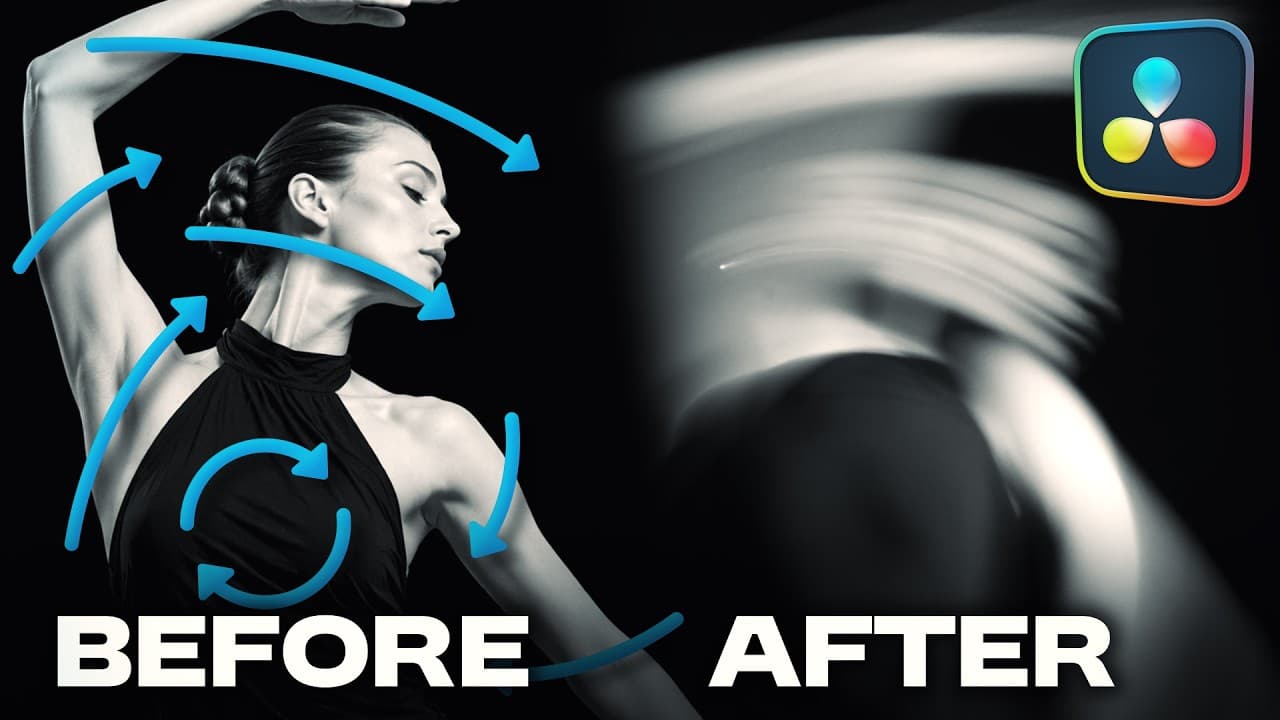

Watch the video
How to install and use Blurify, plus how to get high-quality motion blur for free with manual techniques in DaVinci Resolve.
Features
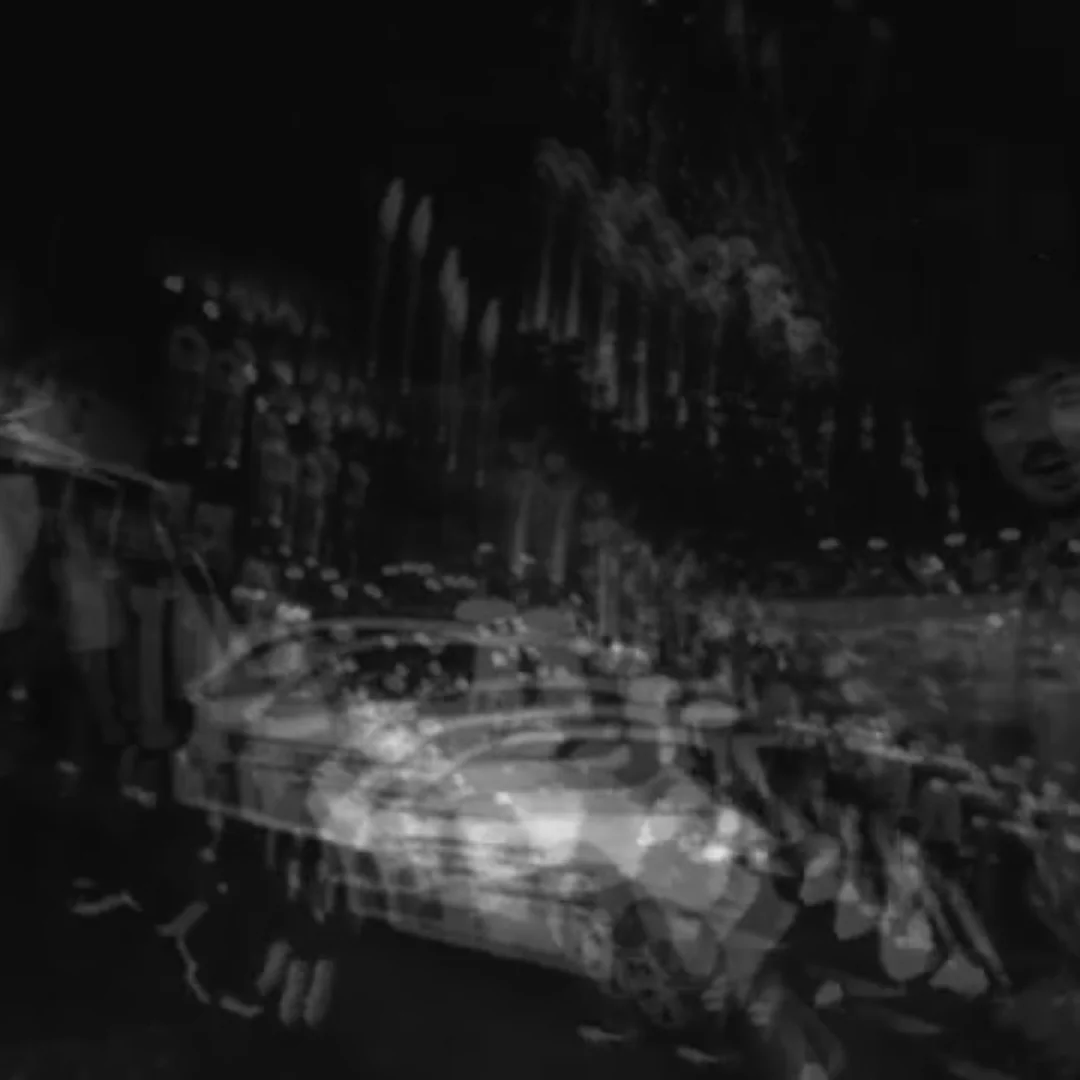
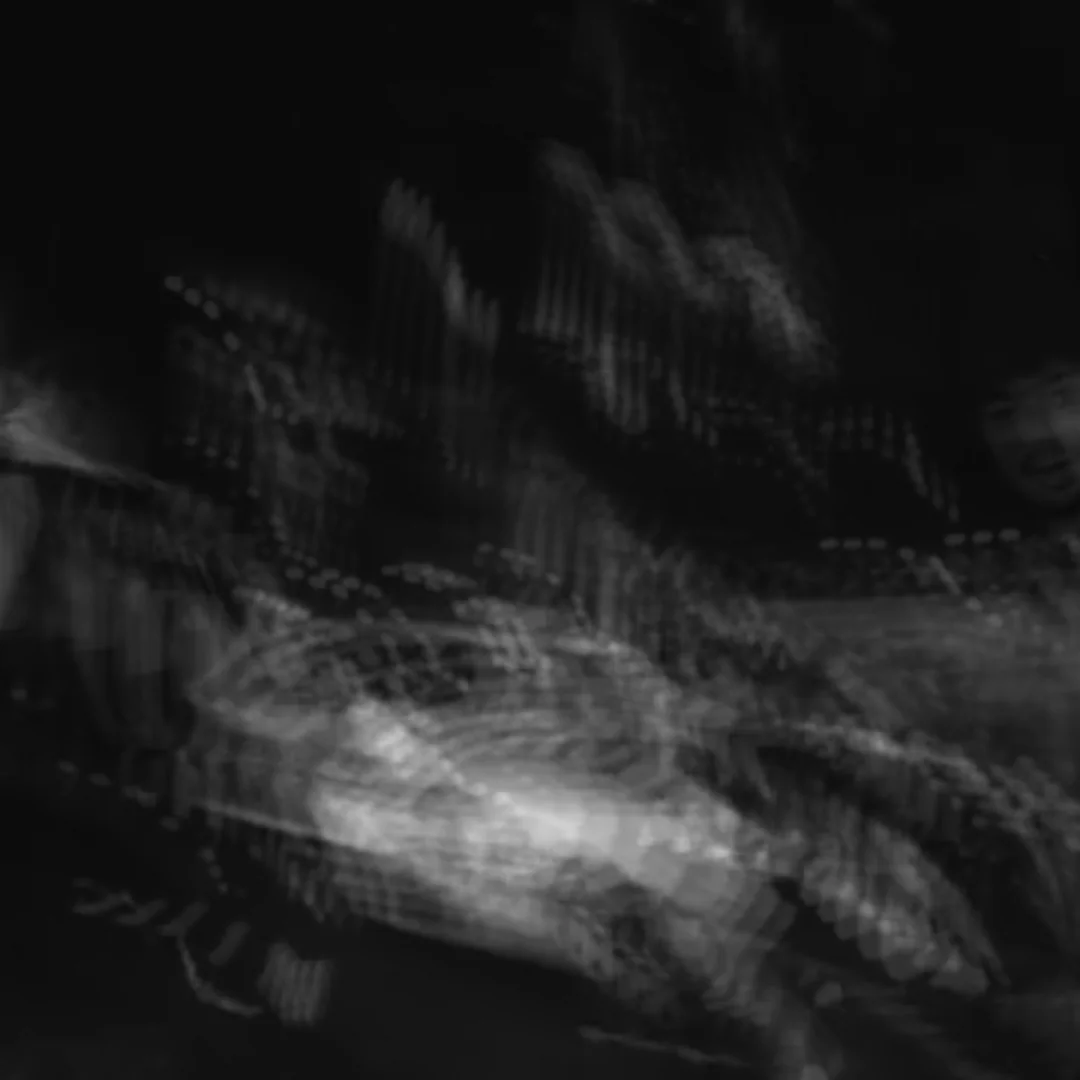
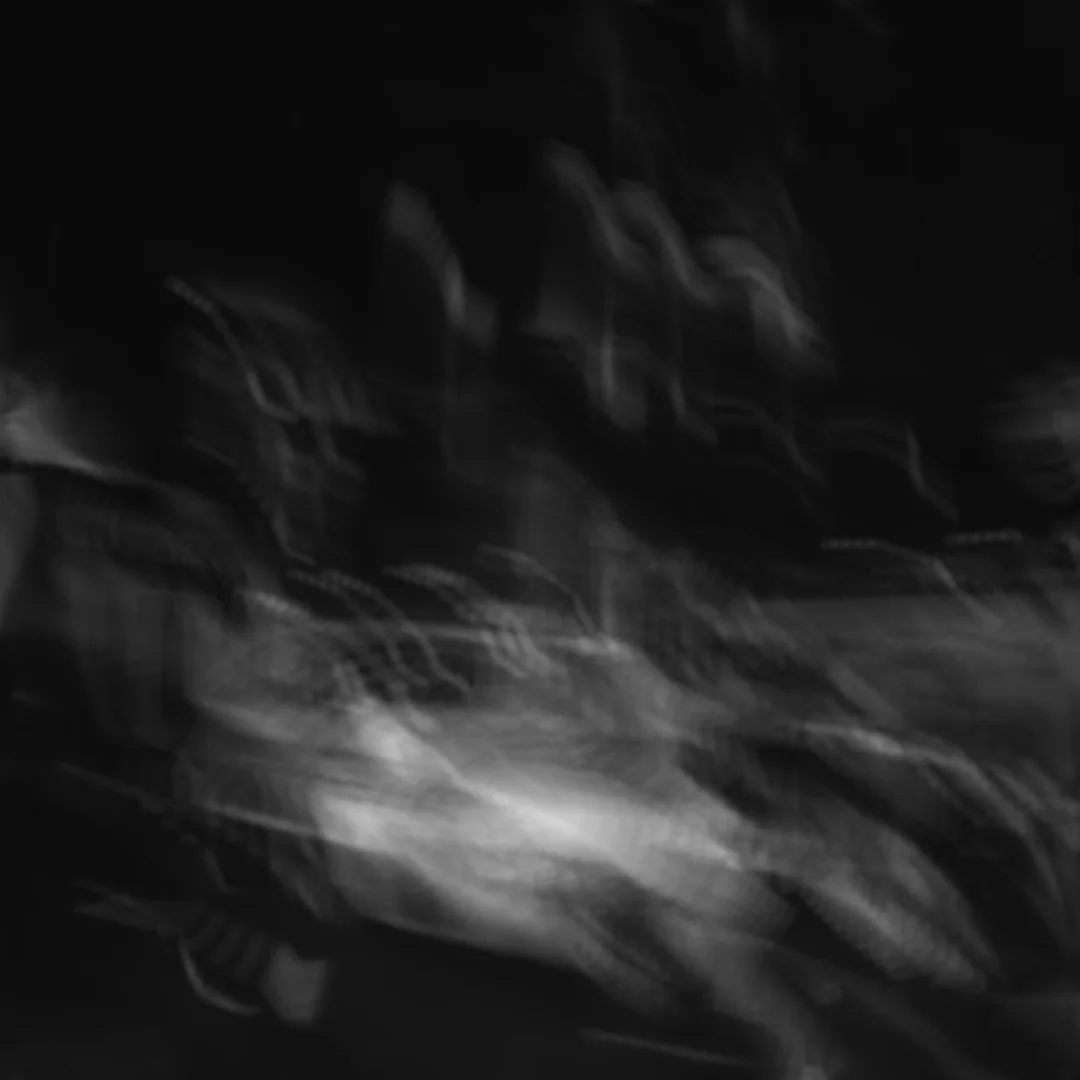
Quality Control
Trade render time for fidelity. Lower values render faster; higher values generate more intermediate frames for a cleaner blur.
Intensity
Adjust the frame sampling density to create longer, smoother motion trails or more subtle, realistic blur.

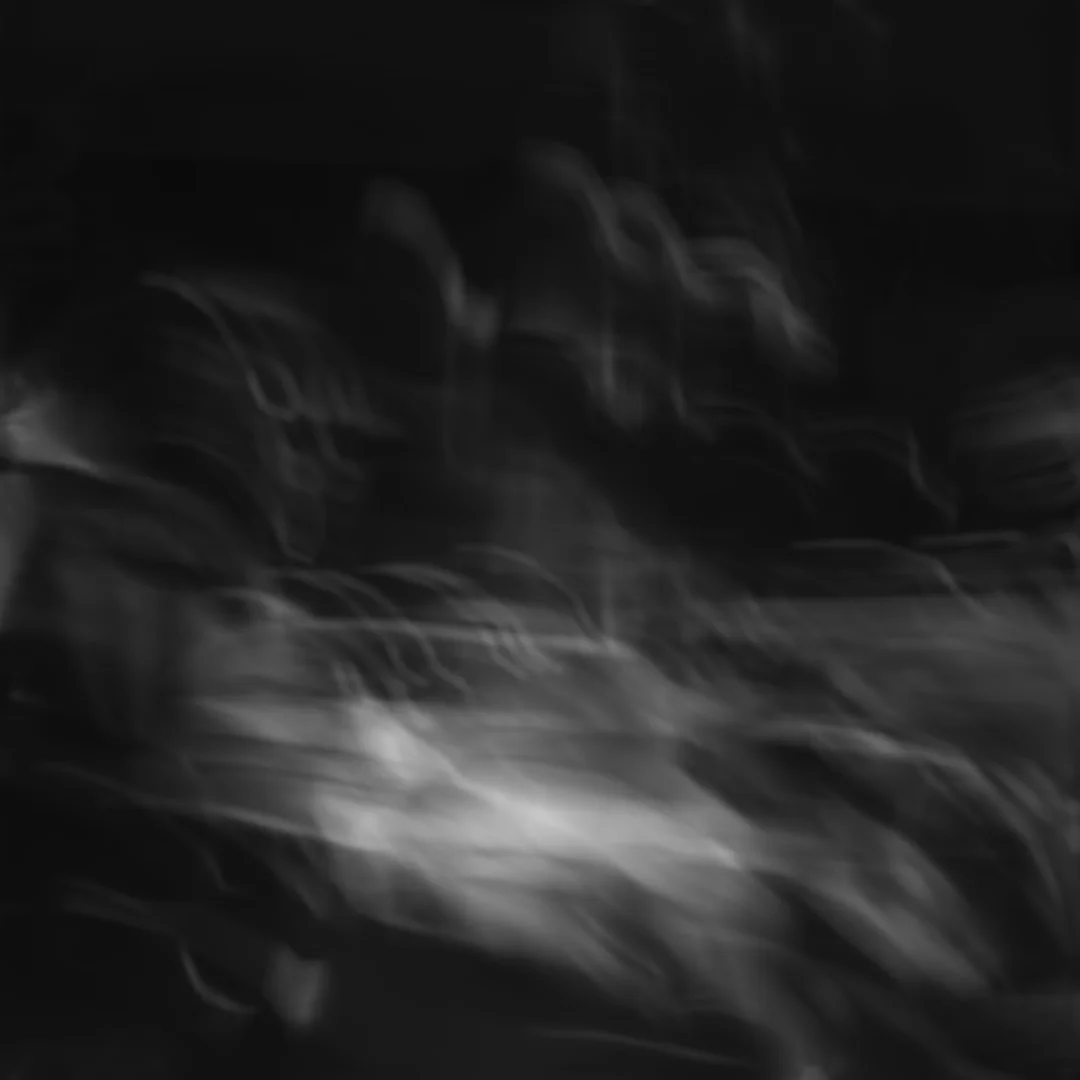
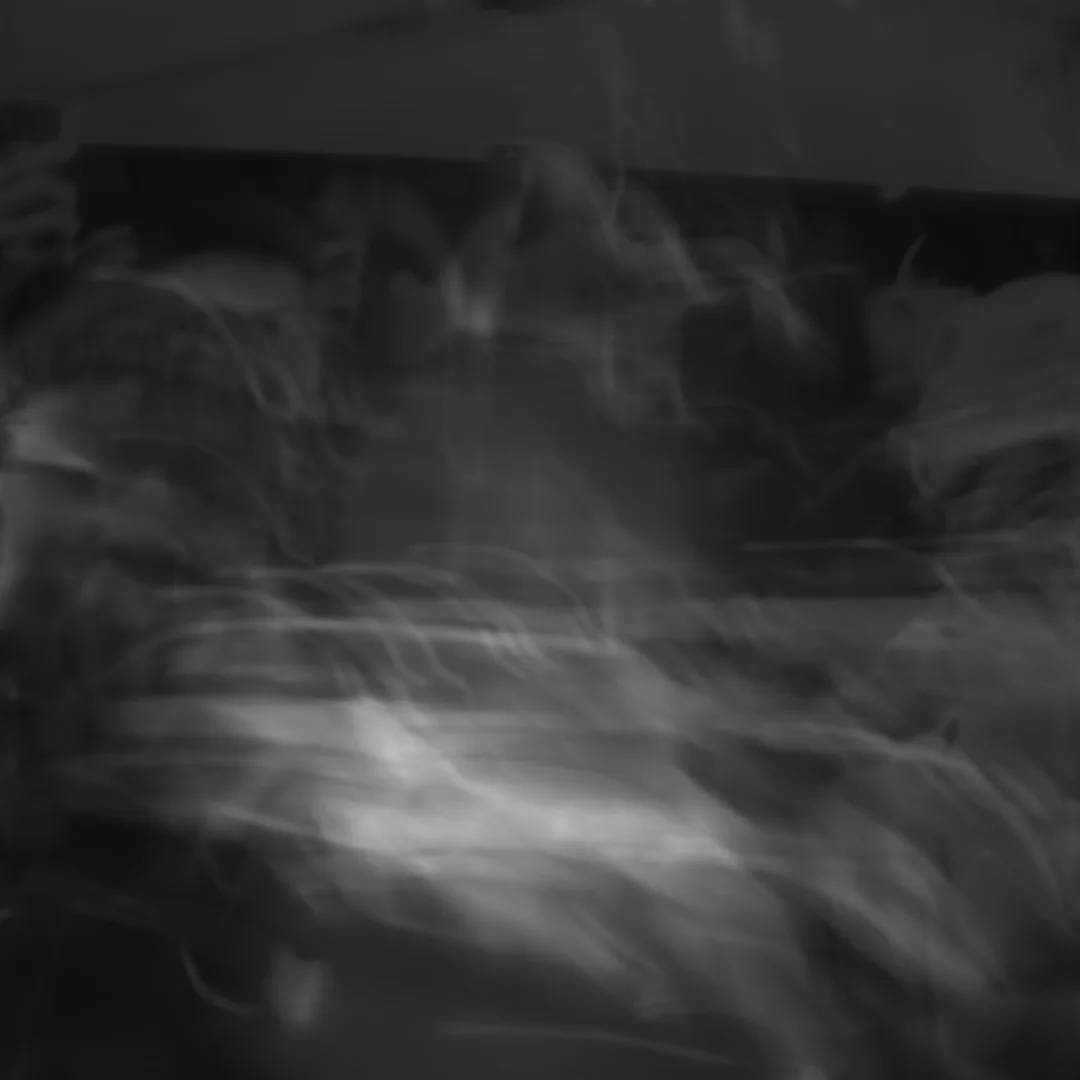
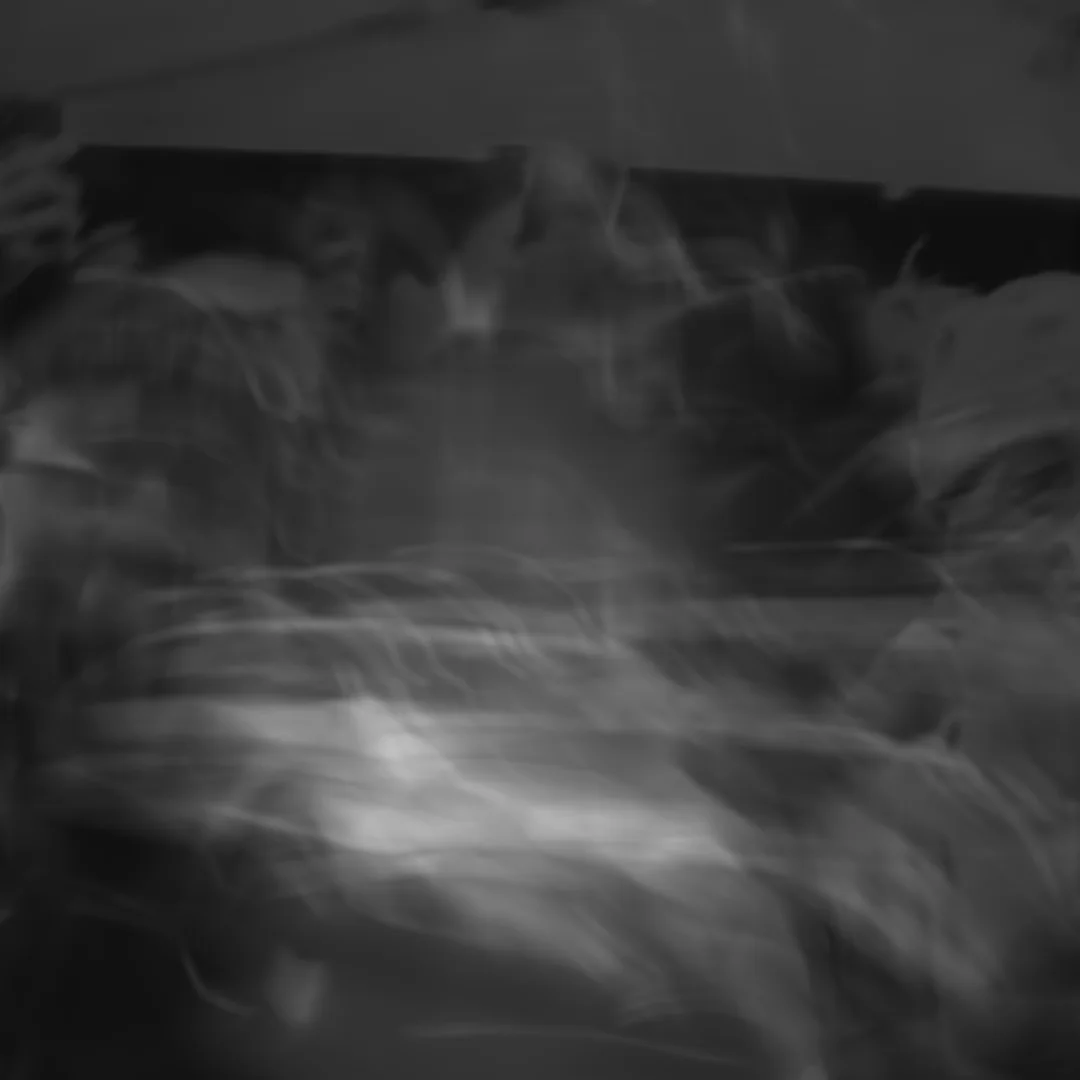

Full Transparency Support
Blurify works on transparent elements and keeps the alpha channel intact, so blurred titles and graphics composite cleanly.
Blur Method
2 methods: 'Blend' is fast and efficient, 'Optical Flow' tracks motion for maximum realism. Switch per clip.
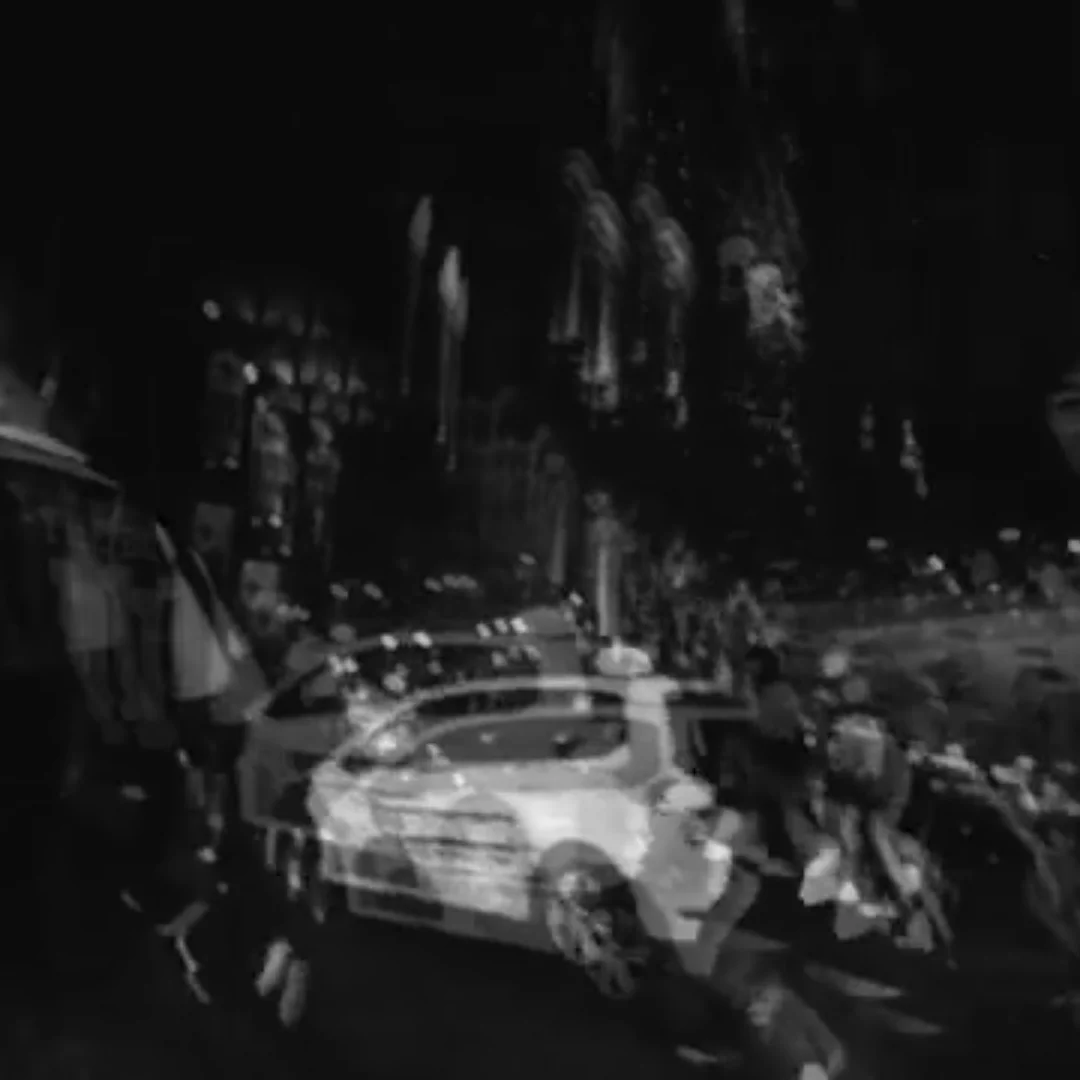
Blend
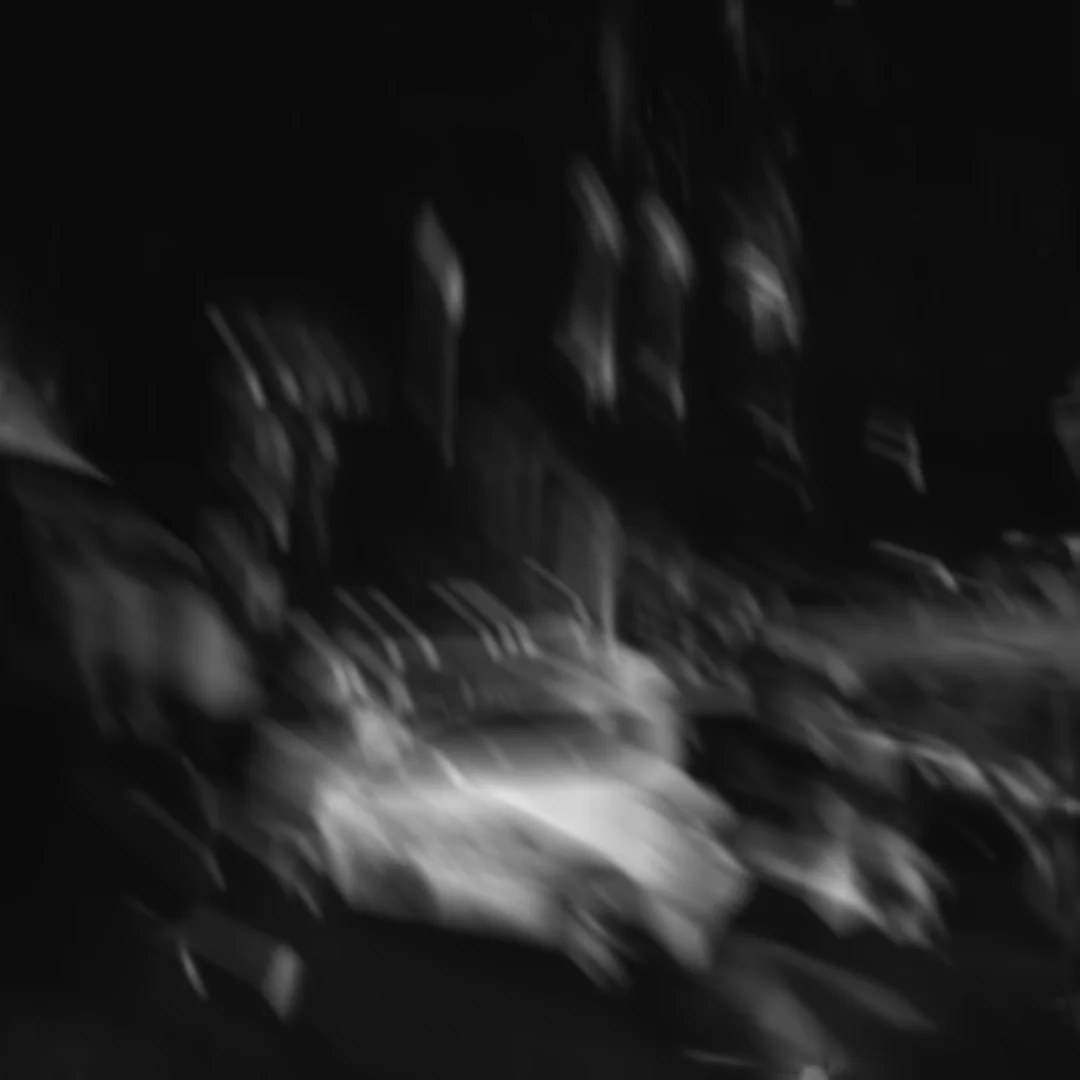
Optical Flow
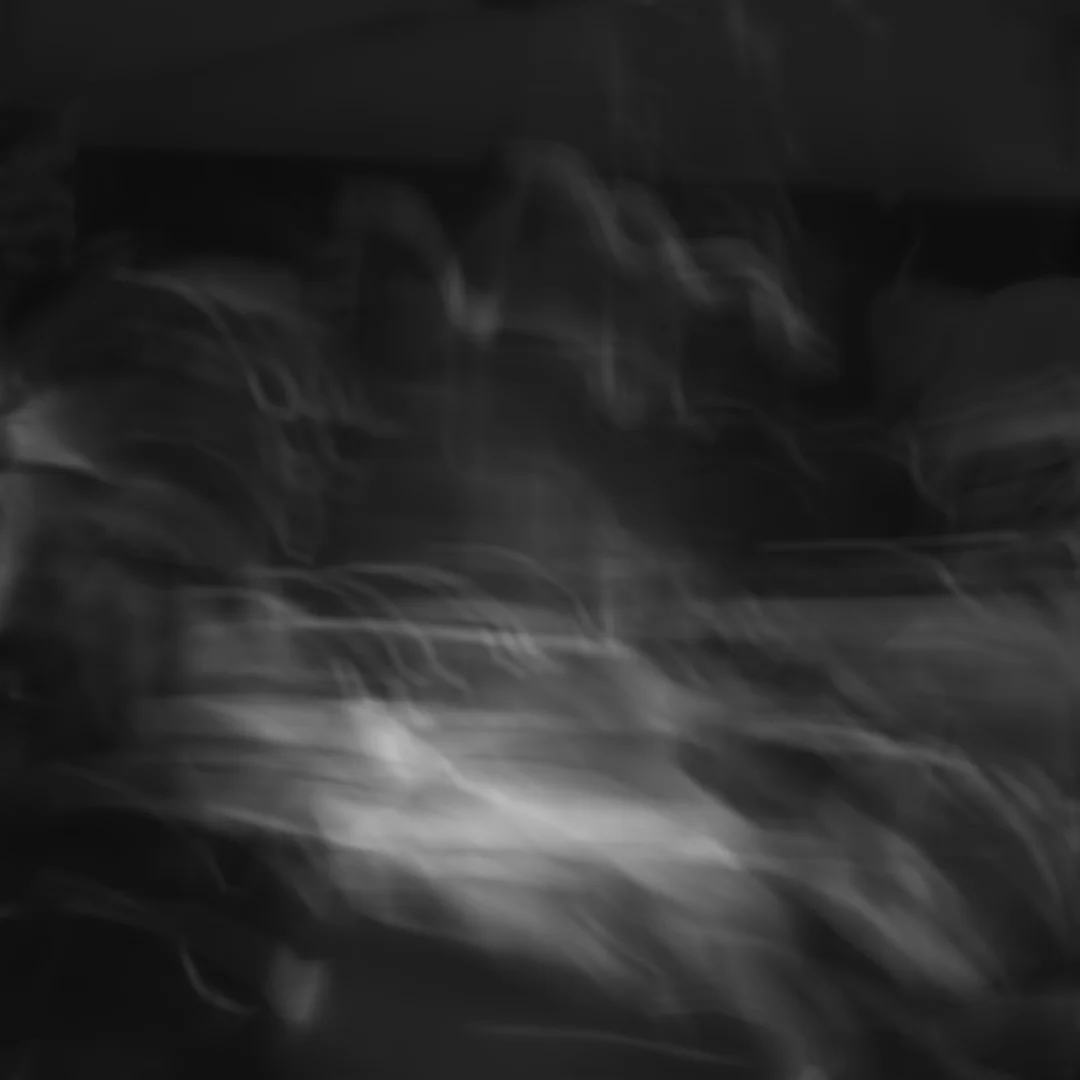
Blurify
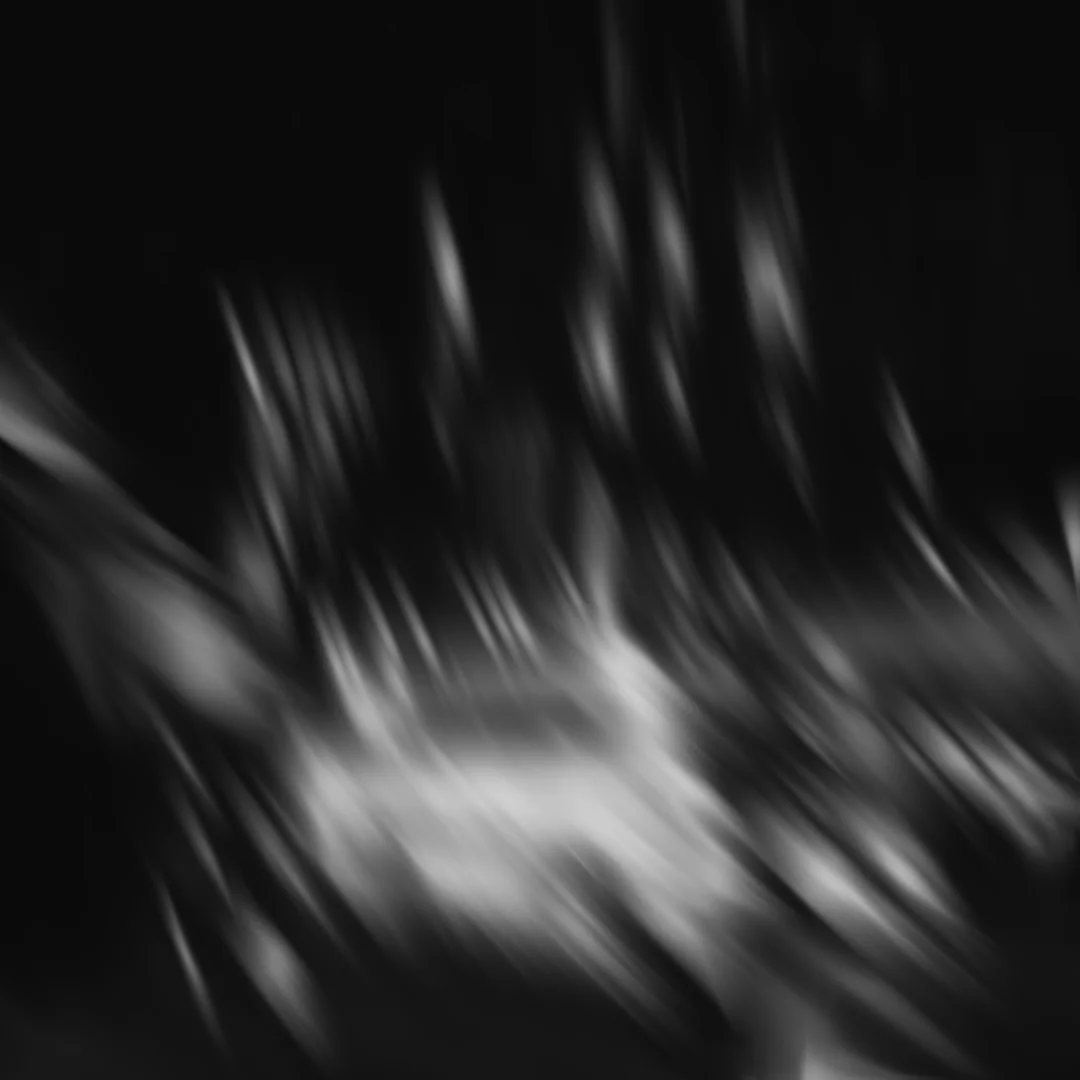
RSMB
Built for the Final Render
Specifically designed for final renders. Heavy, demanding, and built for the highest output quality, at the cost of speed. The numbers below are honest about that tradeoff.
Blurify vs RSMB, measured
Blurify holds slightly more detail and smoothness on typical footage.
Lower is better. Blurify leaves fewer torn or stretched edges.
Blurify
Very slow
RSMB
Near real-time
Blurify is built for final renders, not live playback. RSMB is far faster.
Figures are averaged from our own testing on representative footage and are approximate, not exact benchmarks: results vary with the clip, the settings, and your hardware. RSMB (ReelSmart Motion Blur) is a trademark of its respective owner; sh4rk is independent and not affiliated with or endorsed by them.
Reviews
Give it a review
Every review is checked by a person before it goes live, and we can see whether the reviewer bought the product. We publish reviews from buyers and non-buyers alike, but fake or purchased reviews are removed.
How To Install
Preparation
- 1Download and unzip the 'Blurify' package.
- 2Open DaVinci Resolve.
- 3Create a new timeline and navigate to the Fusion page.
Automatic
- 1Open your extracted folder and drag the installer.lua file into the Fusion nodes area.
- 2Accept the license agreement to complete the automated setup.
- 3To verify, open the Fusion page and press Shift + Space to search for 'Blurify'.
Manual
- 1From the extracted folder, open the Macros directory.
- 2Copy the 'Blurify' folder.
- 3Then, navigate to the DaVinci Resolve .
- 4Create a new folder named 'sh4rk', and paste the 'Blurify' folder inside it.
- 5Return to DaVinci Resolve, open the Fusion page, and press Shift + Space to search for 'Blurify'.
Questions or need help? Join our Discord.
You can also read the full documentation here.
Frequently Asked Questions
More from sh4rk

QuickCam
$26.90Cinematic 3D camera moves without keyframes. Set where the shot starts and ends, Resolve fills in the rest.
View product
sh4rk's Editing Pack 2
$32.90217 macros, 1,000 overlays, 433 sound effects and 1,592 textures. The free version is a slice of it.
View product
sh4rk's 3D Text Animator
$18.903D text that animates letter by letter with no keyframes. Free in Fusion, Pro adds the Edit page and 16 lighting presets.
View productMotion Blur Worth the Render Time
Real interpolated frames, not a smear. Slow to render, clean on every frame.